Course
Give your AI a permanent memory of your business. A course for people who use ChatGPT or Claude daily.Compound Context
GitHub Copilot logo

GitHub Copilot

4.2

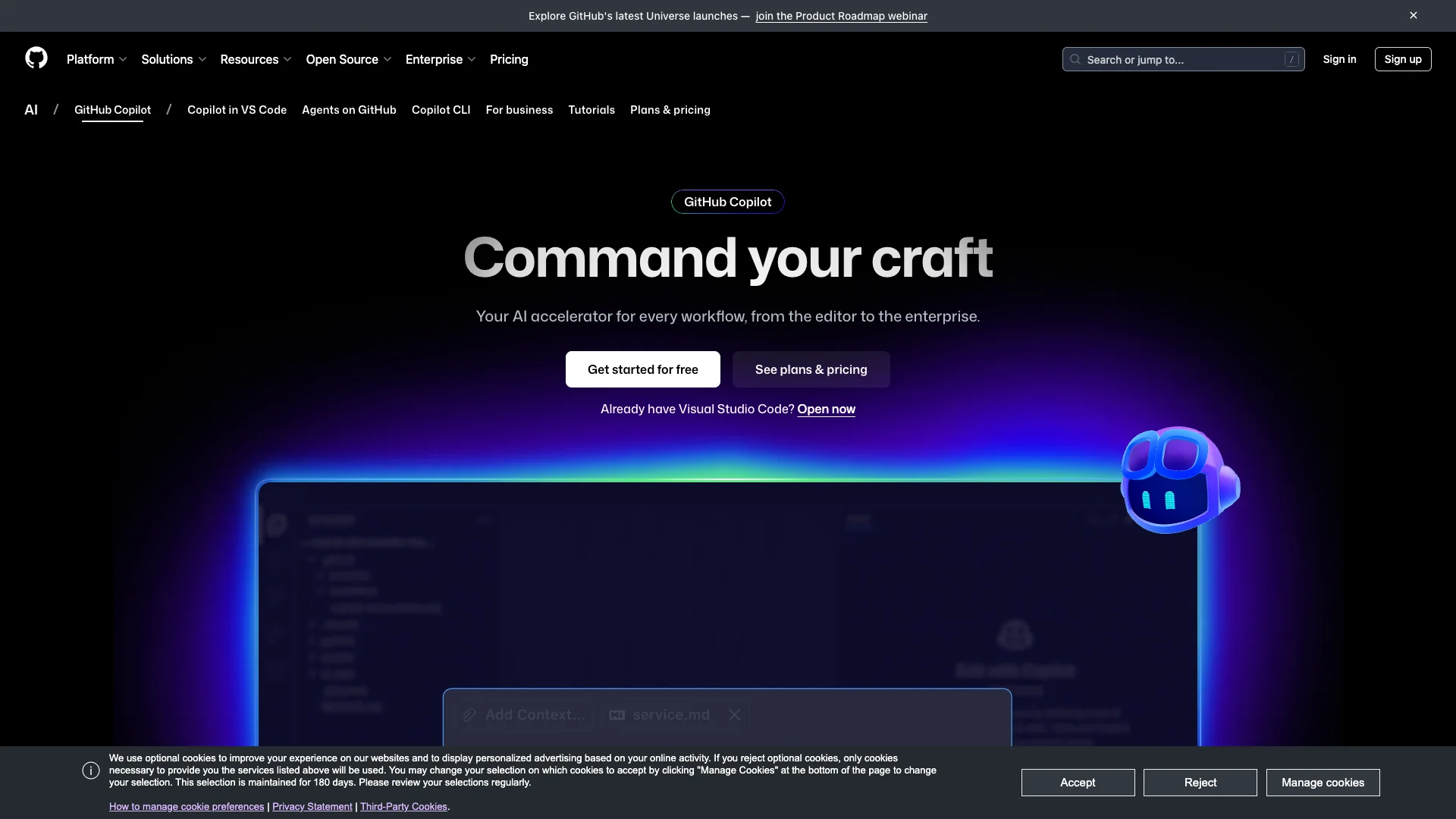
GitHub Copilot is an AI coding assistant that helps developers write code faster and smarter. It works right inside your code editor, on the command line, and across GitHub, offering smart suggestions, chat help, and even automated code tasks to make your workflow much smoother.

Free Option

About GitHub Copilot

Who It's For

GitHub Copilot is for any developer, from individuals and students to large companies. It helps everyone write code faster and work more efficiently, regardless of their project size or team.

What You Get

You get an AI partner that offers smart code suggestions directly in your editor. It answers coding questions, explains concepts, and can even automatically fix bugs or generate code. It simplifies your coding experience.

How It Works

Copilot uses powerful AI models trained on public code. It integrates into your coding tools like your IDE or command line. Understanding your project, it gives real-time suggestions, completes code, and assists with various tasks.
Stay in the loop

Weekly roundup of new AI agents. No spam, unsubscribe anytime.

Subscribe and get the free 2026 AI Agents Field Guide

Join 1,500+ AI builders · weekly, no spam

Features & Capabilities

⚙️ Core AI Functionality

AI-Powered Code Completion & Chat

Provides contextual code completions, explanations, and chat assistance directly within the IDE and GitHub platform.

Flexible LLM Selection

Allows users to choose from leading Large Language Models optimized for different priorities like speed, accuracy, or cost.

Autonomous Coding Agents

Enables Copilot to take on tasks like writing code, creating pull requests, and responding to feedback based on assigned issues.

Natural Language CLI Interface

Empowers developers to interact with Copilot in the terminal using natural language for planning, building, and executing workflows.

🏢 Enterprise Customization & Control

Custom Knowledge Integration

Transforms Copilot into a project expert by incorporating context from an organization's internal documentation and repositories.

Secure Integration Management

Controls access to MCP servers from developer IDEs, enhancing security through explicit allow-listing.

Centralized Policy & Access Control

Provides administrators with tools to manage user access, preview features, models, and define organizational Copilot policies.

Private Model Customization

Offers access to fine-tuned custom, private AI models for more tailored suggestions based on an organization's codebase (Enterprise plan).

🔒 Responsible AI & Security

Enterprise Data Privacy Assurance

Ensures that data from Business and Enterprise accounts is not used for training GitHub's public AI models.

Code Referencing for Licensing

Helps identify suggestions that match public code and provides details about their origin and associated open-source licenses.

Vulnerability Detection Filters

Incorporates filters to block or flag suggestions containing common insecure coding patterns and vulnerabilities.

Offensive Output Prevention

Includes mechanisms to detect and suppress offensive language in prompts and avoid generating inappropriate content.

Use Cases

Accelerating Code Generation and Completion

Developers often spend considerable time on boilerplate code and routine tasks. GitHub Copilot integrates directly into the IDE, providing intelligent code completions, generating functions from comments, and offering real-time suggestions, which significantly accelerates the coding process and allows developers to focus on higher-value work.

Software DevelopmentFor: Individual Developers, Software Engineers

Automating Development Workflow with Intelligent Agents

Development teams frequently deal with repetitive tasks like bug fixes, documentation updates, and managing pull requests. GitHub Copilot's coding agents can autonomously create branches, write commit messages, open pull requests, and respond to feedback, streamlining the development pipeline and enabling teams to ship features faster.

B2B SaaSFor: Development Teams, DevOps Engineers

Streamlining Command-Line Operations

Developers can find complex command-line interfaces cumbersome and difficult to master. GitHub Copilot CLI allows users to interact with the terminal using natural language, enabling them to plan, build, and execute complex workflows efficiently, reducing the need to memorize intricate commands.

Software DevelopmentFor: Software Engineers, System Administrators

Customizing AI for Enterprise Codebase Understanding

Large organizations need AI coding assistants that deeply understand their proprietary codebase and internal documentation while meeting strict security and customization requirements. GitHub Copilot Enterprise indexes an organization’s code for tailored suggestions, provides access to fine-tuned private models, and integrates natively into GitHub.com, ensuring contextually relevant and secure AI assistance across the enterprise.

Enterprise SoftwareFor: Enterprise Development Teams, Engineering Leadership

Frequently asked questions

Tags

Specifications

Deployment
Browser
Self-hosted
Cloud
Browser
Browser
Target Audience
Individual
Business
Enterprise
Complexity
Expert

Pricing

Free

Per monthly

Free
  • Unlimited public and private repositories
  • GitHub Codespaces ($0 spend limit)
  • GitHub Actions (2,000 minutes/month, free for public repositories)
  • GitHub Packages (500 MB, free for public repositories)
  • Code reviews
  • Pull requests
  • Repository rules (for public repositories)
  • Code owners (for public repositories)
  • Draft pull requests (for public repositories)
  • Multiple pull request assignees (for public repositories)
  • Repository insights (for public repositories)
  • Scheduled reminders (for public repositories)
  • Automatic code review assignment (for public repositories)
  • Environment protection rules (for public repositories)
  • Environment deployment branches and secrets (for public repositories)
  • Unlimited collaborators
  • Issues
  • Projects
  • Milestones
  • Team discussions
  • Organization and team management
  • Pages and wikis (for public repositories)
  • Multiple issue assignees (for public repositories)
  • Push protection (for public repositories)
  • Secret scanning (for public repositories)
  • Provider patterns (for public repositories)
  • Provider notification (for public repositories)
  • Copilot Autofix (for public repositories)
  • Third party extensibility for code scanning alerts (for public repositories)
  • Contextual vulnerability intelligence and advice (for public repositories)
  • CodeQL (for public repositories)
  • Artifact attestations (for public repositories)
  • Community Support
  • Dependabot security and version updates
  • Dependabot version updates

Team

Per monthly

$4
  • Includes all features from the Free plan
  • GitHub Codespaces (with policies and controls, ability to increase spend limit)
  • GitHub Actions (3,000 minutes/month, free for public repositories)
  • GitHub Packages (2GB, free for public repositories)
  • Repository rules (for all repositories)
  • Code owners (for all repositories)
  • Draft pull requests (for all repositories)
  • Multiple pull request assignees (for all repositories)
  • Repository insights (for all repositories)
  • Scheduled reminders (for all repositories)
  • Automatic code review assignment (for all repositories)
  • Environment protection rules (for all repositories)
  • Environment deployment branches and secrets (for all repositories)
  • Pages and wikis (for all repositories)
  • Multiple issue assignees (for all repositories)
  • Push protection (for all repositories)
  • Secret scanning (for all repositories)
  • Provider patterns (for all repositories)
  • Provider notification (for all repositories)
  • Validity checks
  • Copilot secret scanning
  • Generic patterns
  • Custom patterns
  • Push protection bypass controls
  • Insights in security overview (for Secret Protection & Code Security)
  • Scan history API
  • Copilot Autofix (for all repositories)
  • Third party extensibility for code scanning alerts (for all repositories)
  • Contextual vulnerability intelligence and advice (for all repositories)
  • CodeQL (for all repositories)
  • Security campaigns
  • Dependency graph
  • Dependency review action
  • Dependabot custom auto-triage rules
  • Dependabot security updates with grouped updates
  • SBOMs
  • GitHub Security Advisories
  • Role-based access control
  • Required 2FA
  • Audit log
  • Status checks
  • Standard Support
  • Invoice billing

Enterprise

Per monthly

$21
  • Includes all features from the Team plan
  • GitHub Actions (50,000 minutes/month, free for public repositories)
  • GitHub Packages (50GB, free for public repositories)
  • Audit log API
  • GitHub Connect
  • SAML single sign-on (SSO)
  • LDAP
  • IP allow list (Enterprise Cloud)
  • Pre-receive hooks (Enterprise Server)
  • Premium and Premium Plus Support
  • Self-hosted deployment (Enterprise Server)
  • Data residency (Enterprise Cloud)
  • Enterprise Managed Users
  • User provisioning through SCIM
  • Enterprise Account to centrally manage multiple organizations
  • SOC1, SOC2, type 2 reports annually
  • FedRAMP Tailored Authority to Operate (ATO)
  • Advanced auditing

✓ Free trial • ✓ Free plan • ✓ Plans from $4 / monthly • ✓ Enterprise options

Integrations

GitHub
Visual Studio Code
Visual Studio
JetBrains
Neovim
Vim

Want your AI tool listed here?

Start with a free eligibility check.

Submit