Course
Give your AI a permanent memory of your business. A course for people who use ChatGPT or Claude daily.Compound Context
Continue logo

Continue

4.5

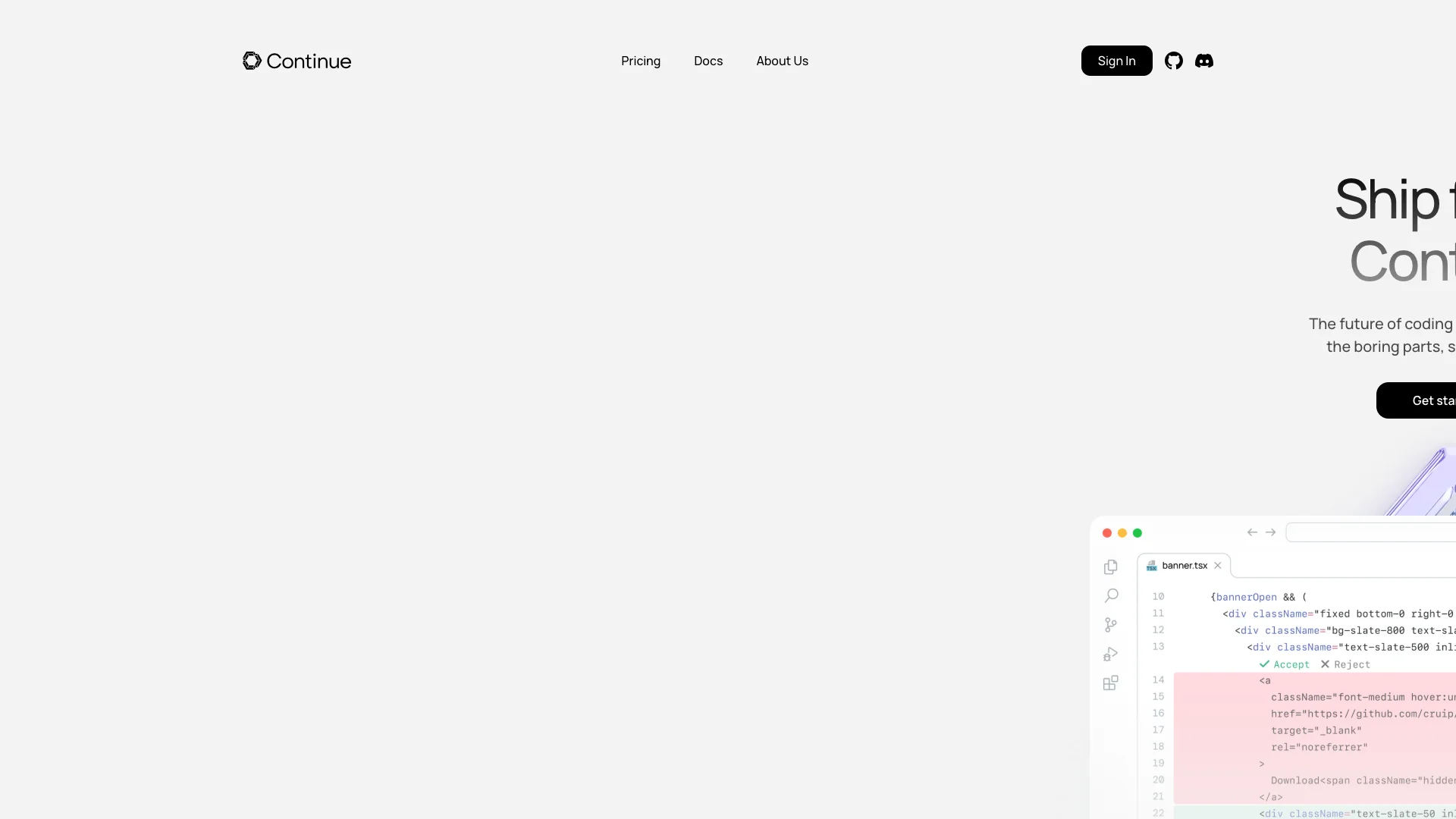
Continue AI is an AI assistant for your coding tools like VS Code and JetBrains. It helps you code faster by automating repetitive tasks with smart suggestions, chat support, and AI agents for refactoring or updates, keeping your code private on your machine.

Free Option

About Continue

Who It's For

This tool is for developers who want to code faster and avoid boring, repetitive tasks. It's great for anyone using VS Code or JetBrains, as it brings AI help right into their coding environment. Teams can also use it to automate parts of their development.

What You Get

You get an AI assistant directly in your code editor. It gives smart code suggestions and lets you chat for help or debugging. You can also use AI agents to automatically handle larger tasks like refactoring or updates. It works with many AI models, and your code stays private on your computer.

How It Works

Install Continue as an extension in your coding environment, then set up your chosen AI models. You can type code for smart suggestions, chat with the AI, or set up "agents" to run bigger tasks automatically. These agents work in the background, in your terminal, or directly in your IDE, fitting into your existing systems.
Stay in the loop

Weekly roundup of new AI agents. No spam, unsubscribe anytime.

Subscribe and get the free 2026 AI Agents Field Guide

Join 1,500+ AI builders · weekly, no spam

Features & Capabilities

💻 User Interfaces & Interaction

GUI Mission Control

Manage and monitor AI agents and workflows via an intuitive web interface.

CLI Agent Interaction

Interact with and debug workflows directly from the terminal, ideal for command-line developers.

IDE Agent Integration

Trigger and control AI workflows seamlessly within VS Code and JetBrains IDEs for in-context automation.

⚙️ Core Automation Capabilities

Automated Background Workflows

Set AI workflows to run automatically on predefined events like pull request opens or schedules.

Interactive Decision Approval

Watch workflows execute in real-time via the CLI, allowing for step-by-step approval of AI decisions.

Customizable AI Workflows

Tailor prompts, models, and tools to create workflows that precisely fit specific development practices and stacks.

🚀 Flexible Deployment & Execution

Infrastructure-Agnostic Deployment

Deploy AI workflows to run across diverse environments including local scripts, CI/CD pipelines (GitHub Actions, Jenkins, GitLab CI), and scheduled cron jobs.

Workflow Monitoring & Management

Track the performance of automated agents, monitor interventions, and manage workflows across your team.

🔗 Broad Integration & Context

Multiple LLM Provider Support

Integrate with various large language model providers, including local (Ollama) and cloud-based options (OpenAI, Anthropic, Azure).

Diverse Context Ingestion

Provide AI agents with relevant context from codebases, documentation, issues, Confluence pages, and specific files.

⚡ Pre-built Tool Integrations

GitHub Integration

Automate the triage, processing, and resolution of GitHub issues and pull requests.

Sentry Alert Resolution

Automatically open pull requests to address alerts identified by Sentry.

Snyk Vulnerability Remediation

Automatically fix dependency vulnerabilities flagged by Snyk.

Atlassian Workflow Automation

Keep Jira tickets and Confluence pages synchronized and up to date automatically.

Use Cases

Automating Large-Scale Codebase Maintenance and Refactoring

Engineering teams frequently struggle with the time and consistency required for extensive refactoring across numerous files or implementing significant, codebase-wide changes. Continue AI's Agent Mode allows developers to automate multi-file refactoring and large-scale modifications directly within their IDEs or via the CLI, ensuring consistency and dramatically reducing manual, repetitive effort.

Software DevelopmentFor: Software Developers, Engineering Teams, Senior Engineers

Proactive DevOps Automation and Security Remediation

DevOps and security teams constantly face challenges in efficiently managing alerts, fixing vulnerabilities, and processing issues within their CI/CD pipelines. Continue AI integrates background agents into existing CI/CD workflows (e.g., GitHub Actions), automatically addressing Sentry alerts, resolving Snyk vulnerabilities, triaging GitHub issues, and maintaining up-to-date documentation and tickets in platforms like Jira and Confluence, thereby enhancing operational efficiency and security posture.

DevOps, Cybersecurity, Software DevelopmentFor: DevOps Engineers, Security Engineers, Software Developers, Engineering Managers

Streamlined In-IDE Developer Productivity and Workflow

Developers often experience interruptions in their coding flow when they need to search for information, debug issues, or generate boilerplate code, leading to decreased productivity and increased cognitive load. Continue AI provides an integrated IDE extension with real-time AI-powered code completion, an interactive chat mode for explanations and debugging, and a plan mode for safe code exploration, enabling developers to remain focused and accelerate their coding tasks without context switching.

Software Development, ITFor: Software Developers, Junior Developers, Full-Stack Developers, Product Engineers

Frequently asked questions

Tags

Specifications

Deployment
Browser
API
Self-hosted
Cloud
Browser
Target Audience
Individual
Startup
Business
Enterprise
Complexity
Developer

Pricing

Solo

Per monthly

Free
  • Create and share custom AI code agents and building blocks
  • Use your code agents with our open-source VS Code and JetBrains extensions
  • Bring your own compute and LLMs or bring your own API keys for commercial models
  • Create public agents in your organization and invite your entire team to use them

Team

Per monthly

$10
  • Includes all features from the Solo plan
  • Centrally manage private AI code agents tailored to your team's stack, keeping them up to date automatically
  • Govern the blocks and agents that can be used by your developers with an allow / block list
  • Protect org secrets with our authentication layer and managed proxy that lets members use but not view your API keys

Enterprise

Per monthly

Free
  • Includes all features from the Solo and Team plans
  • Enterprise onboarding, training, and support to roll out to your entire organization
  • Authenticate with our enterprise-grade Single Sign-On using any IdP that supports either SAML or OIDC protocols
  • Use our on-premises data plane to separate it from the control plane, ensuring that code and sensitive data remain in your own environment

✓ Free plan • ✓ Plans from $10 / monthly • ✓ Enterprise options

Integrations

GitHub
Jira
Sentry
Snyk
Linear
GitHub Actions

Want your AI tool listed here?

Start with a free eligibility check.

Submit