Course
Give your AI a permanent memory of your business. A course for people who use ChatGPT or Claude daily.Compound Context
Aider logo

Aider

4.1

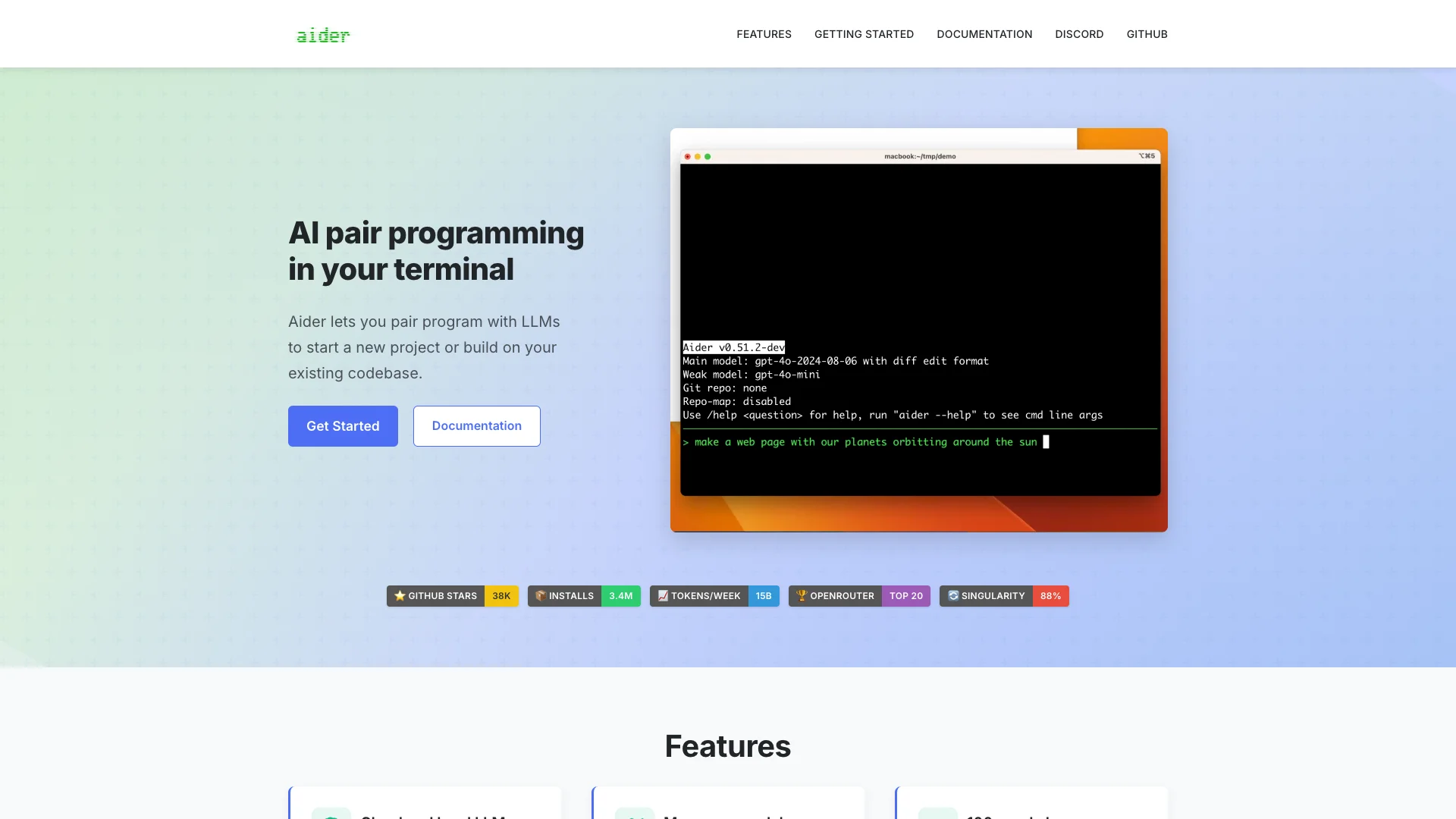
Aider is an open-source AI tool that acts as your coding partner. It lives in your terminal or IDE, helping you write, edit, and manage code for new or existing projects using large language models. It works with many programming languages and automatically handles Git commits.

About Aider

Who It's For

Aider helps anyone who writes code. If you are a beginner or an expert, this tool can assist you. Use it to build new projects, fix problems, or add new parts to your code. It works with many programming languages and existing projects.

What You Get

You get an AI partner that understands your entire codebase. It supports over 100 coding languages. Aider connects to many AI models, including ones on your own computer. It also saves your code changes automatically using Git and can help you test them.

How It Works

You use Aider directly in your computer's terminal or coding editor. You can tell it what to do by typing, speaking, or adding special notes in your code. Aider then uses AI to make the changes. It commits them and can even run your tests to check its work.
Stay in the loop

Weekly roundup of new AI agents. No spam, unsubscribe anytime.

Subscribe and get the free 2026 AI Agents Field Guide

Join 1,500+ AI builders · weekly, no spam

Features & Capabilities

⚙️ Core AI Capabilities

Multi-LLM Support

Connects to a wide range of cloud and local Large Language Models, including popular choices like Claude 3.7 Sonnet and OpenAI models.

Codebase Mapping

Generates an internal map of your entire codebase to effectively understand and operate within large projects.

Broad Language Compatibility

Supports over 100 programming languages, enabling AI pair programming across diverse tech stacks.

🤝 Integrated Developer Workflow

Seamless Git Integration

Automatically stages and commits AI-generated changes with descriptive messages, allowing easy version control with standard Git tools.

In-IDE Development

Operates directly within your favorite IDE, enabling code changes to be requested by adding comments to your source files.

Automated Linting & Testing

Automatically runs linters and tests on AI-generated code, and can fix detected problems or errors.

🗣️ Diverse Interaction Modes

Visual Context & References

Allows users to include images and web pages in the chat for enhanced visual context, screenshots, or reference documentation.

Voice-to-Code Generation

Enables users to speak directly to Aider, requesting new features, test cases, or bug fixes through voice commands.

Web Chat Copy/Paste Streamlining

Streamlines the process of copying and pasting code between Aider and an LLM's web chat interface for efficient interaction.

Use Cases

Accelerating Software Development & Feature Implementation

Developers often face pressure to rapidly build new features or extend existing functionalities in complex codebases. Aider acts as an AI pair programmer, leveraging its codebase mapping and multi-language support to quickly generate, modify, and integrate code, significantly speeding up the development cycle while maintaining quality through automated linting and testing.

Software DevelopmentFor: Software Developers

Enhancing Codebase Understanding and Onboarding

New team members or developers diving into unfamiliar parts of a large project frequently struggle to quickly grasp complex logic and architectural decisions. Aider facilitates this by offering an '/architect' mode for planning, an '/ask' mode for specific code questions, and in-code 'AI?' comments, enabling rapid knowledge transfer and reducing the learning curve for any developer.

Software DevelopmentFor: Junior Developers

Automating Code Quality Checks and Bug Fixes

Maintaining high code quality and promptly addressing issues from linters or test suites can be a time-consuming and manual process for development teams. Aider automates these tasks by automatically running tests and linters, then fixing detected problems and committing the changes with sensible messages, allowing developers to focus on higher-value tasks and ensure cleaner code.

Software DevelopmentFor: Software Engineers

Rapid Prototyping and Exploring New Technologies

Developers often need to quickly prototype ideas or experiment with new programming languages or frameworks outside their core expertise. Aider, with its support for over 100 languages and ability to help start new projects, empowers developers to confidently explore unfamiliar domains, reduce friction in experimentation, and accelerate innovation without getting bogged down by initial setup or syntax hurdles.

Software DevelopmentFor: R&D Teams

Frequently asked questions

Tags

Specifications

Deployment
Browser
API
Self-hosted
Browser
Target Audience
Individual
Complexity
Developer

Integrations

GitHub
Discord
OpenRouter
Git
Claude 3.7 Sonnet
DeepSeek

Want your AI tool listed here?

Start with a free eligibility check.

Submit