Course
Give your AI a permanent memory of your business. A course for people who use ChatGPT or Claude daily.Compound Context
Void logo

Void

4.1

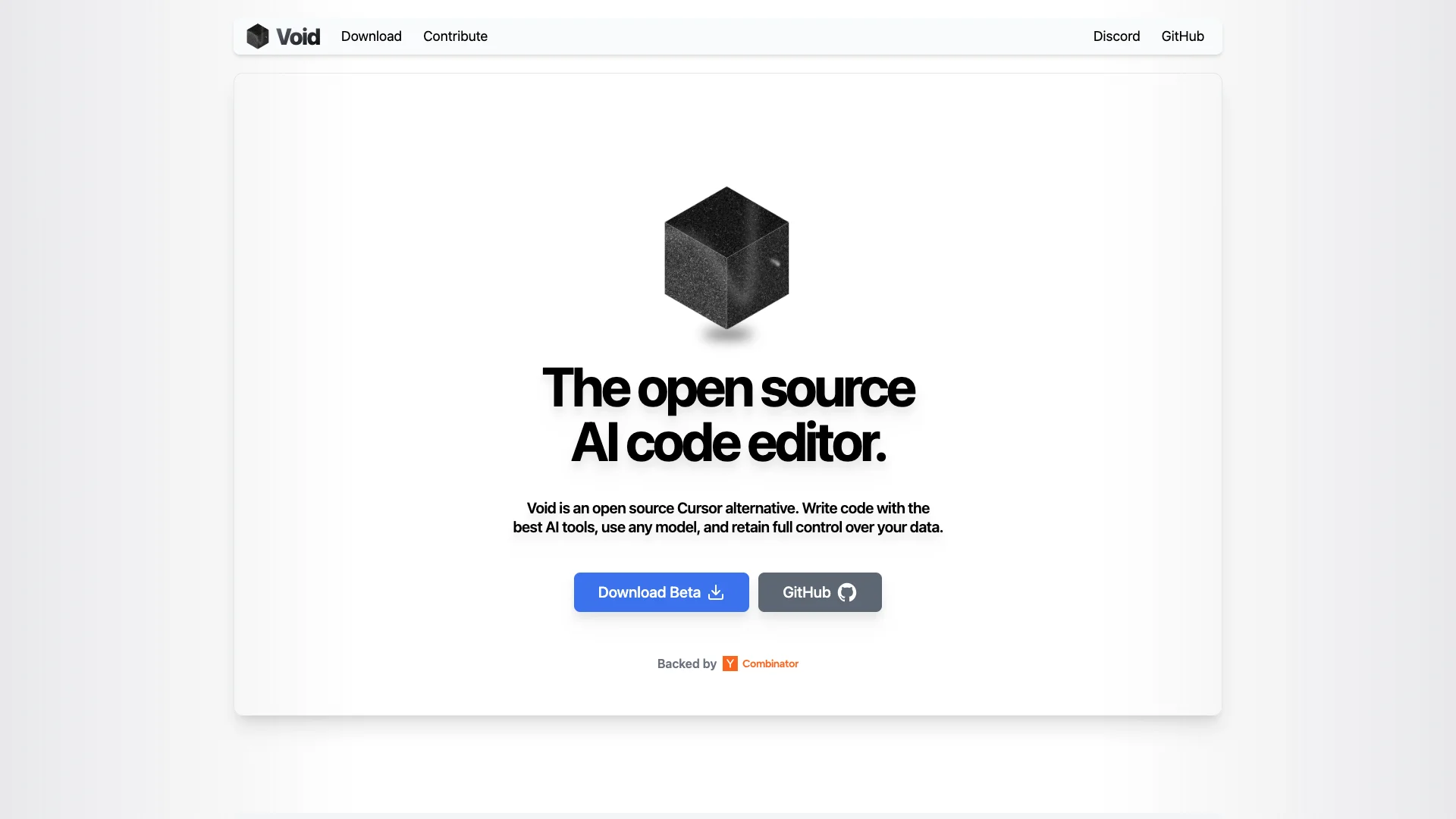
Void is a free, open-source AI code editor built on VS Code. It gives you powerful AI tools like smart autocomplete and chat, while letting you choose any AI model and keep full control over your code and data. It's designed for developers who want advanced AI help without giving up privacy.

About Void

Who It's For

Void is for developers seeking AI help for coding. It's perfect if you enjoy VS Code's environment but desire advanced AI features. It's also designed for those who value privacy and full control over their code and data, letting them choose any AI model.

What You Get

You get powerful AI tools built directly into your code editor. This includes smart autocomplete, quick inline edits, and an AI chat. Void also offers advanced 'Agent Mode' for bigger tasks, along with features like generating tests and documentation.

How It Works

As a free, open-source editor based on VS Code, transferring your current settings is simple. Just download Void and set up your preferred AI model in the settings. You interact with AI using chat, inline suggestions, and handy keyboard shortcuts.
Stay in the loop

Weekly roundup of new AI agents. No spam, unsubscribe anytime.

Subscribe and get the free 2026 AI Agents Field Guide

Join 1,500+ AI builders · weekly, no spam

Features & Capabilities

🤖 AI-Powered Coding Tools

AI Autocomplete

Applies intelligent code suggestions with a single tab press.

Inline Quick Edit

Enables direct modification of code selections within the editor.

Integrated AI Chat

Offers multiple chat modes including Agent Mode and Gather Mode for interactive assistance.

⚙️ Core Editor Capabilities

Open Source Platform

Provides a transparent and customizable coding environment.

Full Data Control

Ensures users retain complete ownership and privacy over their coding data.

VS Code Compatibility

Allows seamless transfer of themes, keybinds, and settings from VS Code.

Any AI Model Support

Enables users to integrate and utilize their preferred AI models.

Use Cases

Accelerating Daily Coding Workflows with AI

Developers often face repetitive coding tasks and need quick, context-aware assistance to maintain flow. Void integrates AI autocomplete and inline editing, along with intelligent code generation, to significantly speed up daily coding tasks and reduce manual effort, enhancing developer productivity.

Software DevelopmentFor: Software Developer

Mastering Complex Codebases with Agentic AI Capabilities

Navigating, modifying, and debugging large, multi-file projects can be challenging and time-consuming for developers. Void's Agent Mode offers goal-driven reasoning and full contextual awareness to search, edit, run terminal commands, and perform multi-file operations, enabling developers to tackle complex refactoring and issue resolution efficiently.

Enterprise SoftwareFor: Senior Software Engineer

Ensuring Code Privacy and Data Security in AI Development

Enterprises and individual developers are increasingly concerned about the privacy of their proprietary code when using cloud-based AI tools. Void addresses this by allowing self-hosting of AI models locally or direct connection to cloud providers, ensuring complete control over data flow and preventing sensitive code from leaving the user's machine without explicit consent.

Financial ServicesFor: Security-Conscious Developer

Streamlining Development with Automated Documentation and Testing

Manual creation of comprehensive documentation and robust test suites is a labor-intensive process that can slow down development cycles and introduce errors. Void's AI capabilities automate the generation of detailed documentation and thorough test cases, improving code quality and maintainability while freeing developers to focus on core feature development.

Software Quality AssuranceFor: QA Engineer

Frequently asked questions

Tags