Course
Give your AI a permanent memory of your business. A course for people who use ChatGPT or Claude daily.Compound Context
Rectify logo

Rectify

4.4
โ€ข

Rectify is an AI debugging tool that helps you quickly fix problems in products built with AI. It records user actions and technical errors, then AI explains what happened and suggests clear fixes, making debugging faster and easier for everyone.

About Rectify

Who It's For

Rectify is for anyone building with AI, from developers to non-technical users. It helps those frustrated by vague bug reports or juggling many tools to fix software problems. This tool simplifies finding and resolving issues for everyone.

What You Get

You receive full session recordings showing user actions and errors. Rectify's AI explains what broke and suggests clear fixes. This single platform merges debugging, monitoring, and status pages, replacing multiple tools. Visual feedback from Loom videos and annotated screenshots is also included.

How It Works

Rectify automatically records user sessions and technical data via its browser extension or a simple widget. The AI reviews these recordings to pinpoint problems, offering easy explanations and fix recommendations. It helps catch bugs early, monitors systems, and sends automatic alerts for any issues.
Stay in the loop

Weekly roundup of new AI agents. No spam, unsubscribe anytime.

Subscribe and get the free 2026 AI Agents Field Guide

Join 1,500+ AI builders ยท weekly, no spam

Features & Capabilities

๐Ÿค– AI-Powered Debugging & Insights

AI Debugger

Analyzes errors, suggests fixes, and explains complex issues in plain language.

AI Powered Session Replay

Shows what happened during user frustrations and explains why it happened, ending 'works on my machine' issues.

AI Powered Support

Provides 24/7 AI support that understands the product, answers accurately, and knows when to hand off to humans.

PRD & Project Requirement Generator

Transforms ideas into structured requirements (JSON) for AI, preventing hallucinations and ensuring precise builds.

๐Ÿ› ๏ธ Developer Workflow & Tools

Browser Extension

Brings debugging and documentation tools directly into your browser, reducing context switching.

Unified Debugging Dashboard

Consolidates all debugging, monitoring, status pages, and code scanning into a single platform.

Smart Code Snippets

Saves and reuses proven code patterns as snippets for consistent AI-generated code.

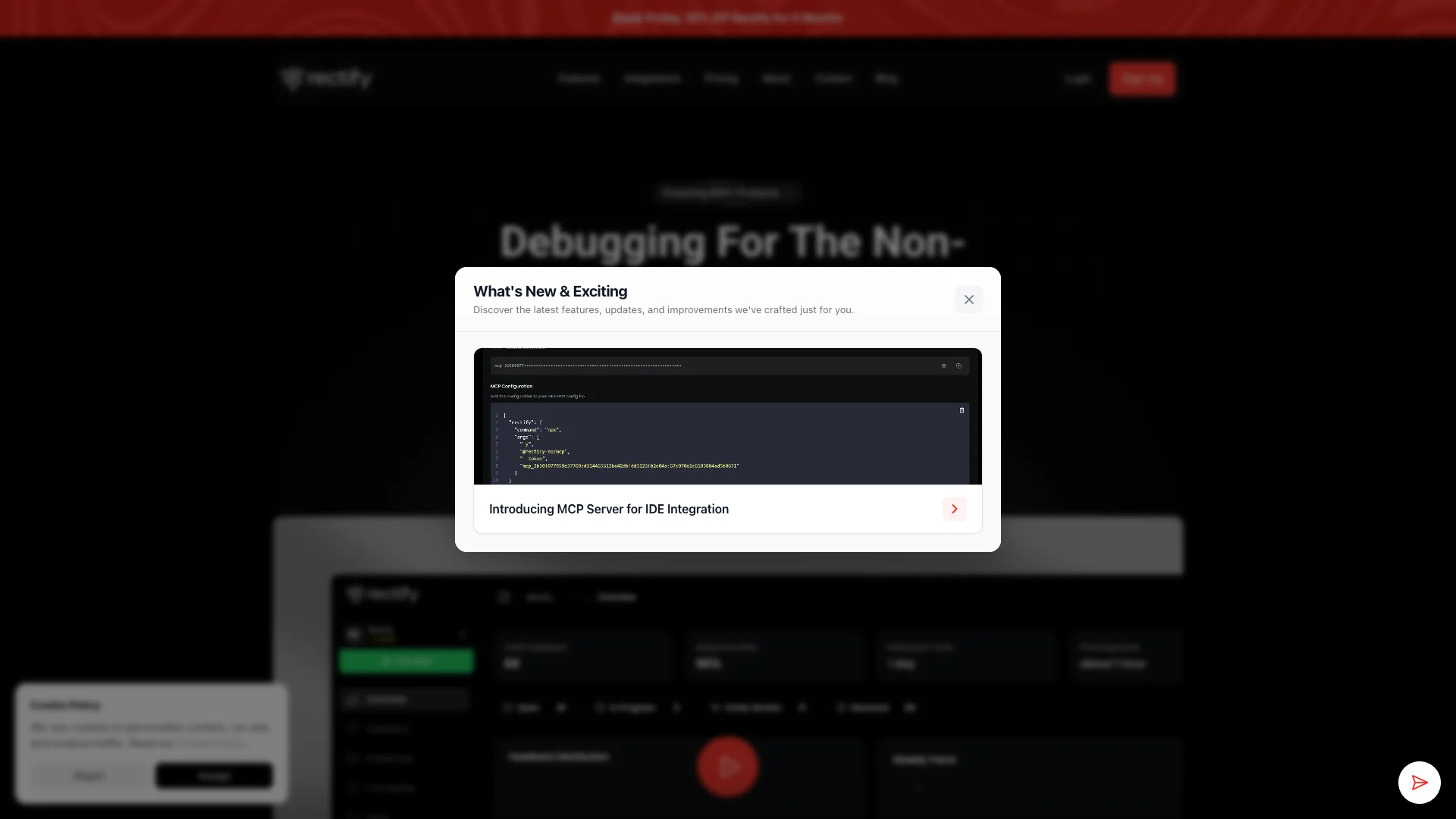
IDE Integration

Connects AI assistants to your IDE for real-time access to code scan results and contextual debugging.

๐Ÿ“ˆ Proactive Monitoring & Quality

Static Code Analysis

Scans GitHub repos on-demand for bugs, security vulnerabilities, and code smells with fix recommendations.

Automatic Uptime Monitoring

Monitors infrastructure across various protocols and provides instant alerts for downtime.

Status Page Management

Builds branded status pages to keep customers informed during incidents.

SSL Certificate Monitoring

Automatically tracks and alerts on SSL certificate expiration to prevent unexpected outages.

๐Ÿค User Feedback & Collaboration

Annotated Screenshots

Allows users to highlight, circle, and point to exact issues visually, turning vague complaints into precise instructions.

Loom Video Recording

Captures the full story of bugs with integrated Loom video recordings directly from users.

User-Driven Roadmap

Encourages user voting on feature requests to intelligently shape future product development.

Automated Changelogs

Transforms commit messages into polished release notes using AI, streamlining communication with users.

Use Cases

Streamlining User-Reported Bug Resolution

Product teams often struggle with vague bug reports and reproducing issues, wasting valuable development time. Rectify solves this by providing AI-powered session replays, annotated screenshots, and automatic technical data collection, giving developers the exact context needed to quickly diagnose and fix user-reported problems.

B2B SaaSFor: Product Teams, Software Developers, Customer Support

Enhancing Developer Productivity and Flow State

Developers frequently lose productivity due to constant context switching between numerous debugging, monitoring, and code analysis tools. Rectify centralizes these functions into a single dashboard with AI-assisted code analysis, smart snippets, and browser/IDE integrations, enabling developers to stay focused and resolve issues faster.

Software DevelopmentFor: Software Developers, Engineering Teams

Proactive Infrastructure Monitoring and Incident Management

Companies face challenges in proactively identifying and responding to infrastructure outages, often leading to customer dissatisfaction. Rectify provides automatic monitoring for various protocols, instant alerts, branded status pages, and smart incident tracking, allowing DevOps and SRE teams to quickly detect, communicate, and resolve issues before they significantly impact users.

Tech CompaniesFor: DevOps Engineers, Site Reliability Engineers, Infrastructure Teams

Improving AI Code Generation and Requirement Accuracy

When building with AI coding assistants, developers and product managers often struggle to translate ideas into precise requirements, leading to AI hallucinations and inconsistent code. Rectify's PRD generator transforms concepts into AI-understandable JSON requirements, while smart code snippets ensure proven patterns are consistently applied, resulting in more accurate and reliable AI-generated code.

Software DevelopmentFor: AI/ML Engineers, Developers using AI assistants, Product Managers

Frequently asked questions

Tags

Specifications

Deployment
Browser
Browser
API
Cloud
Target Audience
Startup
Business
Complexity
Developer

Integrations

Lovable
Bolt
Replit
v0
Loom
Slack

Want your AI tool listed here?

Start with a free eligibility check.

Submit