Course
Give your AI a permanent memory of your business. A course for people who use ChatGPT or Claude daily.Compound Context
SmythOS logo

SmythOS

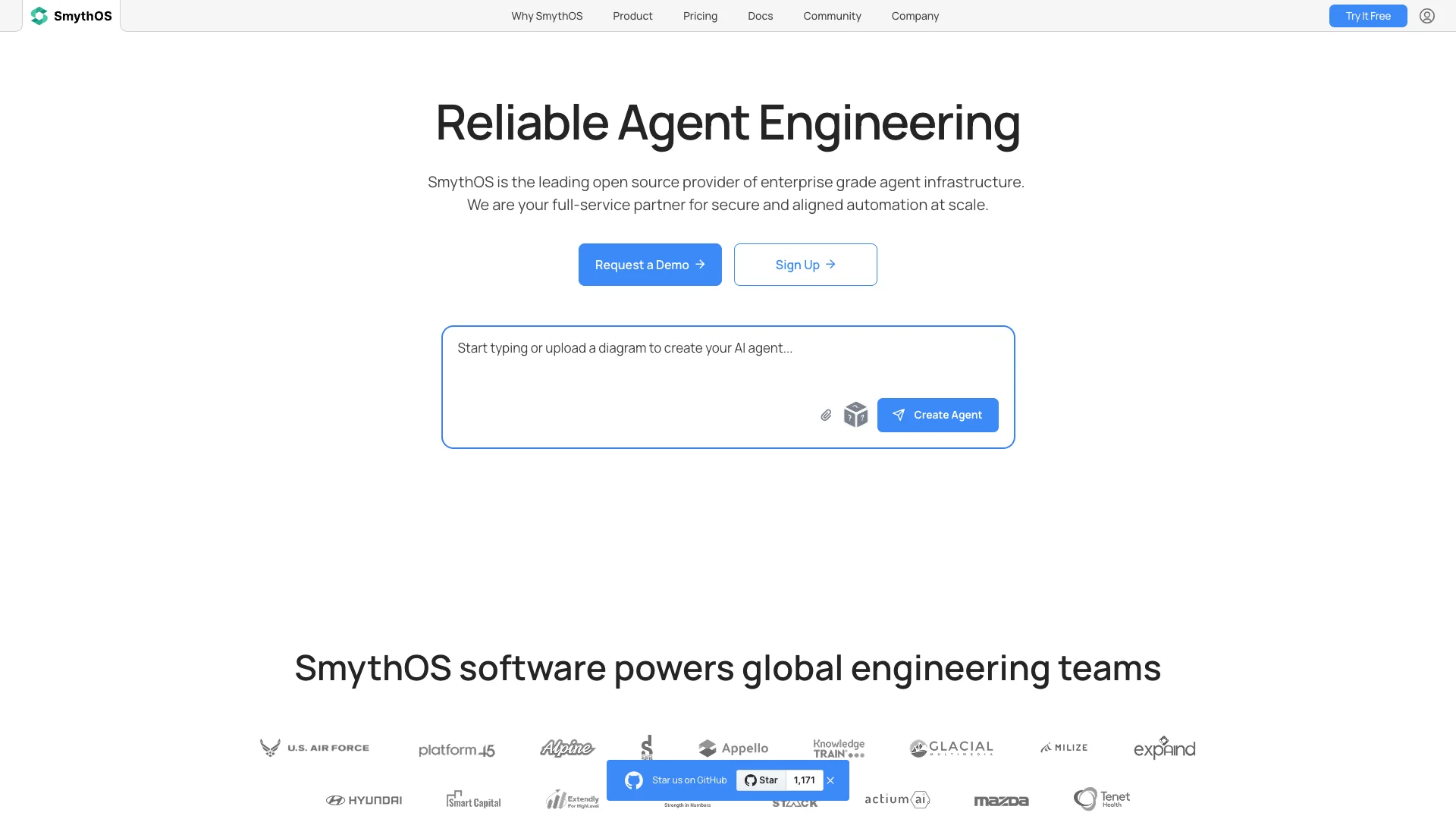
SmythOS is an open-source platform for easily building, debugging, and deploying AI agents. It features a simple drag-and-drop interface for all skill levels and powerful tools for developers. You can create AI assistants for many business tasks, like customer support or automation, and deploy them securely and reliably.

About SmythOS

Who It's For

SmythOS is for anyone building and using AI agents, from beginners to skilled developers. Businesses can automate tasks and create smart digital assistants across their teams. A helpful community provides support and guidance.

What You Get

You get a visual drag-and-drop builder for easy AI agent creation, plus tools to test and fix them. The platform helps manage your agents, allowing them to work on schedules, form teams, and keep projects organized securely.

How It Works

First, build your AI agent with an easy visual tool or code, connecting AI models and other apps. Then, inspect each step of its work to find and fix any issues. Finally, deploy your agent to run reliably on the cloud or your own systems.
Stay in the loop

Weekly roundup of new AI agents. No spam, unsubscribe anytime.

Subscribe and get the free 2026 AI Agents Field Guide

Join 1,500+ AI builders · weekly, no spam

Features & Capabilities

⚙️ Agent Development & Lifecycle

Build in Agent Studio

Utilize a drag-and-drop, open-source workspace to visually construct agents using LLMs, APIs, and custom code.

Interactive Debugging

Inspect each step of an agent's reasoning process, from input to output, to identify issues and verify behavior.

Flexible Deployment Options

Publish agents to the scalable SmythOS Cloud or export them to run on your own hardware with full control.

🤖 AI Agent Operations

Instant Agent Blueprints

Leverage pre-built templates to rapidly launch agents for various tasks across departments without coding.

Chat with Agents

Interact with agents naturally, test ideas, and adjust prompts in real-time as if messaging a teammate.

Agent Work Schedules

Automate agent task execution by setting schedules for agents to clock in and run tasks automatically.

Autonomous Agent Teams

Enable agents to collaborate with each other and humans, allowing the creation of entire autonomous departments.

🤝 Collaborative Workspaces & Access

Project Spaces

Group agents, data, and collaborators in dedicated workspaces to keep experiments organized and client information private.

Centralized AI Subscription Management

Manage API keys for multiple AI subscriptions for your entire team from a single hub.

Role-Based Access Control

Ensure security with role-based permissions and per-space key vaults, compartmentalizing credentials and actions.

🌐 Universal Agent Deployment

Build Once, Deploy Anywhere

Create workflows a single time and integrate agents universally as APIs, Language Models, or into any environment.

No Vendor Lock-in

Guarantees that agents can be deployed to any cloud, on-premise, or device, ensuring total ownership and flexibility.

Use Cases

Accelerating AI Agent Development and Deployment

Developers often face complexity and time constraints when building, debugging, and deploying AI agents across different environments. SmythOS provides a drag-and-drop Agent Studio, powerful debugging tools, and "build once, deploy anywhere" functionality, drastically speeding up development cycles and ensuring reliable, consistent agent performance.

SaaS, Technology, Consulting, AgenciesFor: CTOs, Developers, Backend Engineers, AI/ML Engineers

Automating Business Operations with Collaborative AI Teams

Businesses struggle to integrate AI into complex, multi-departmental workflows and orchestrate AI agents to work together seamlessly. SmythOS enables the creation of "Agent Teams" that collaborate with both humans and other agents, automating scheduled tasks and entire departmental processes, leading to significant operational efficiency gains.

B2B SaaS, Enterprise, OperationsFor: Operations Managers, Department Heads, Go-to-Market Leaders, Business Analysts

Building Specialized AI Assistants for Customer & Content Management

Organizations need custom AI solutions for customer support, content moderation, and information retrieval but often lack the tools for easy integration and tailored logic. SmythOS simplifies the creation of specialized agents like customer support assistants and content moderation flows, connecting them to over 7,000 apps to enhance service delivery and operational efficiency.

Customer Service, Media, E-commerce, MarketingFor: Customer Service Managers, Content Managers, Marketing Teams, Product Managers

Enterprise-Grade Secure and Auditable AI Orchestration

Large enterprises require robust security, data privacy, and full control over their AI deployments, avoiding vendor lock-in. SmythOS delivers a secure, auditable operating system for AI agents, featuring role-based access control, compartmentalized data handling, and flexible deployment options (cloud, on-premise), ensuring compliance and operational integrity for mission-critical applications.

Enterprise, Financial Services, Government, Large B2B SaaSFor: CTOs, CIOs, IT Security Teams, Compliance Officers, Enterprise Architects

Frequently asked questions

SmythOS is an open-source operating system and platform for building, deploying, and managing AI agents. It provides a visual, no-code interface for creating agents, as well as SDKs for developers, and supports secure, scalable deployment across cloud, on-prem, and local environments.

No. SmythOS offers a drag-and-drop visual builder for creating AI agents without coding. For advanced users, there’s also a TypeScript SDK to build and extend agents programmatically.

You can build a wide range of AI agents, including customer support assistants, data processing pipelines, content moderation flows, sales and marketing automation, search and summarization agents, and custom workflows for business operations.

To create an agent, you can use the Agent Builder interface by dragging and dropping components such as LLMs, APIs, and logic blocks to design your workflow. Alternatively, use the Agent Weaver for AI-assisted agent creation, or for code-based workflows, use the SmythOS SDK.

Yes. SmythOS provides real-time debugging and testing tools. You can inspect each step of your agent’s reasoning, adjust prompts, and verify outputs before deployment.

Agents can be deployed to SmythOS Cloud for scalable and monitored operation, to an enterprise or local runtime for full control on-premise, or you can export and run them on your own hardware.

SmythOS supports over 7,000 apps and 20,000+ actions, including API calls, web scraping, and connections to databases like Airtable. API keys and tokens are securely stored in the platform’s Vault.

Yes. SmythOS allows you to create teams of agents that can work together on complex tasks, automating entire departments or workflows.

Yes. SmythOS uses a runtime-first architecture for secure and reliable agent operation. It includes secure API access, permission controls, and state management.

Yes. SmythOS supports over 1 million LLM models, and you can integrate your own or use popular ones like GPT-4.

To handle agent failures or unexpected behavior, review the agent’s workflow to ensure all components are connected, check that instructions are clear and specific, add more examples to help the AI understand expected behavior, and use the debugging tools to inspect and fix issues.

Yes. The core building blocks, including the SmythOS Runtime Environment, SDK, and CLI, are open source and available on GitHub.

Deployment options include SmythOS Cloud, Enterprise for on-premise or private cloud, Local for running on your own hardware, or you can export and deploy anywhere.

To get started, sign up at smythos.com, then use the Agent Builder or SDK to create your first agent, and follow the quickstart guide for step-by-step instructions.

You can find official documentation at smythos.com/docs, a beginner’s guide at smythosprice.com, video walkthroughs on YouTube, and GitHub at github.com/SmythOS.

Tags