Course
Give your AI a permanent memory of your business. A course for people who use ChatGPT or Claude daily.Compound Context
Dify logo

Dify

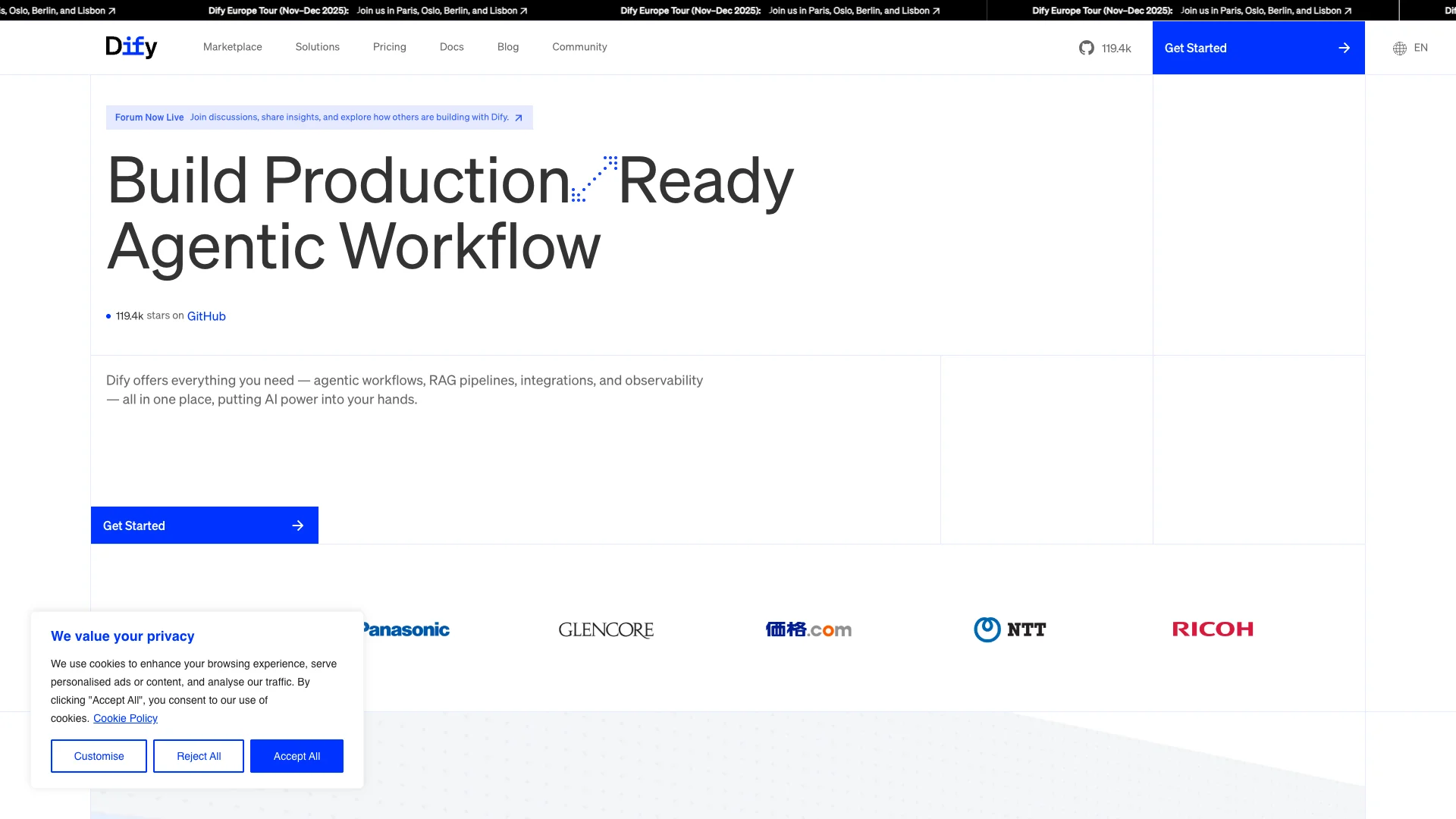
Dify is a low-code platform that lets anyone build and manage AI applications like smart chatbots and autonomous agents. It uses a simple drag-and-drop interface, connecting to various AI models and your own data to create powerful, custom AI tools for any team or business.

About Dify

Who It's For

Dify is for anyone building AI applications, from individual creators to large companies. It helps startups quickly validate ideas and enterprises deploy AI solutions efficiently. Its simple design means you don't need deep AI expertise to create powerful tools.

What You Get

You get a unified platform to build and manage AI agents and chatbots. Dify provides everything needed: access to various AI models, tools to integrate your data, and options to expand features. This lets you create production-ready AI applications that are stable, secure, and can grow with your needs.

How It Works

Dify uses a visual drag-and-drop system, so you can build AI apps and workflows without writing code. You can easily choose and compare many global AI models. It also helps prepare your unique data for the AI, using a knowledge base to ensure accurate answers based on your specific information.
Stay in the loop

Weekly roundup of new AI agents. No spam, unsubscribe anytime.

Subscribe and get the free 2026 AI Agents Field Guide

Join 1,500+ AI builders · weekly, no spam

Features & Capabilities

⚙️ Core AI Agent & Workflow Building

Agentic Workflow Builder

Develop, deploy, and manage autonomous AI agents effortlessly.

RAG Pipeline Support

Build and integrate Retrieval Augmented Generation pipelines to enhance AI capabilities.

Multi-LLM Integration

Access, switch, and compare performance across various global, open-source, and proprietary LLMs.

Visual Workflow Editor

Visually create complex AI applications and workflows using a drag-and-drop interface.

🔗 Integration & Extensibility

Native MCP Integration

Connect to external APIs, databases, and services via standardized MCP protocols, reducing integration overhead.

Universal MCP Server Publishing

Publish Dify-built workflows and agents as standard MCP servers for broad client accessibility.

Plugin & Tool Ecosystem

Expand AI application capabilities by integrating powerful plugins and tools from a marketplace.

🚀 Deployment & Agility

Fast Market Validation

Enables rapid validation of AI ideas to achieve product-market fit quickly.

Agile Iteration & Pivoting

Easily integrate new models and tools to adapt and evolve AI applications.

Scalable Infrastructure

Effortlessly handles increasing traffic and evolving application needs.

Data-Driven Insights

Provides concrete insights to guide continuous improvement and achieve product-market fit.

🔒 Security & Reliability

Enterprise-Grade Security

Provides robust security for critical data assets and ensures compliance.

Stable Operations

Ensures reliable and consistent AI application performance with a rock-solid foundation.

Production-Ready Foundation

Offers a solid and dependable platform for AI infrastructure from day one.

Use Cases

Streamlining Enterprise Internal Operations with AI Agents

Large organizations face challenges in distributing AI capabilities and automating internal processes efficiently. Dify provides a reliable, scalable, and secure platform to build and deploy custom AI agents and Q&A bots that leverage internal data, significantly reducing manual effort and improving cross-departmental efficiency.

EnterpriseFor: IT Leaders

Rapid Prototyping and Launching AI-Native MVPs

Startups and innovators need to quickly validate AI product ideas and achieve product-market fit without extensive development cycles. Dify's low-code, drag-and-drop platform enables fast iteration and deployment of AI applications, allowing teams to hit MVP targets with speed and agility.

StartupsFor: Startup Founders

Building Intelligent, Data-Grounded Q&A Bots

Businesses require AI assistants that can provide accurate, contextually relevant answers using their proprietary data, avoiding generic LLM responses. Dify's integrated RAG pipelines and knowledge base functionality allow users to easily build and deploy sophisticated customer service or internal support chatbots grounded in specific organizational information.

Customer ServiceFor: Customer Support Managers

Automating Complex Business Workflows with AI Agents

Automating intricate business processes and multi-step tasks with AI agents often involves significant technical complexity and integration challenges. Dify's visual orchestration studio and flexible plugin system empower users to design and deploy complex AI workflows that integrate with external systems, automating diverse operations from content generation to multi-turn interactions.

Business Process AutomationFor: Operations Managers

Frequently asked questions

Dify AI is a low-code platform that enables users to build, deploy, and manage AI-powered chatbots and assistants. It provides an intuitive interface for creating AI applications that can understand natural language, answer questions, and perform complex workflows, even for users without deep AI expertise.

You can build a wide range of AI chatbots and assistants, including customer service chatbots, internal Q&A bots, AI agents for multi-step operations, and AI-native apps for various business tasks.

To get started with Dify AI, you need to create a Dify.ai account, obtain an API key from a supported LLM provider such as OpenAI, Anthropic, or Azure, and then use the drag-and-drop interface to design your chatbot or AI assistant.

The key features of Dify AI include a drag-and-drop interface requiring no coding, a built-in knowledge base for uploading documents, connecting data sources, or ingesting content from URLs, model neutrality supporting multiple LLM providers like OpenAI, Anthropic, Meta’s Llama2, Azure, and Hugging Face, an orchestration studio for designing complex workflows with conditional branches, loops, and nested workflows, memory and context handling with built-in long-term memory for multi-turn conversations, a plugin system for integrating with external services and APIs, and debugging tools for step-by-step workflow execution tracing.

To add your own data to Dify AI, you can upload documents such as PDFs and text files or connect data sources, and Dify will index your data for retrieval, allowing your chatbot to reference it when answering questions.

Dify AI supports major LLM providers including OpenAI (GPT-3.5, GPT-4), Anthropic (Claude), Meta’s Llama2, Azure OpenAI Service, Hugging Face models, AWS Bedrock, Replicate, and open-source models via runtimes like Ollama and Xoribits.

Yes, Dify AI allows you to use multiple models within a single application, enabling you to choose the best model for each task.

Dify AI uses a built-in knowledge base and vector search to retrieve relevant information from your uploaded documents or connected data sources. This ensures that your AI assistant’s responses are grounded in your specific data.

Dify AI does not offer built-in model fine-tuning services, focusing instead on prompt engineering and Retrieval-Augmented Generation (RAG). As of early 2025, its vector search component does not support fine-grained metadata filters, such as restricting search by date or category, but this feature is planned for the roadmap.

Dify AI supports integrations with various external systems via plugins and APIs. Examples include GitHub, Gmail, and enterprise systems. You can also use OpenAPI specifications to integrate custom tools.

Dify AI has a strong open-source community and is actively developed with frequent updates and contributions from the community.

You can find more resources and support through the official Dify AI documentation and template gallery, community forums and events such as IF Con Tokyo 2025, and educational initiatives and tutorials including those from Codecademy and BayTech Consulting.

To troubleshoot common issues, check the official Dify AI FAQ and community forums for solutions to common problems, and for self-hosted deployments, refer to the self-hosted FAQs for LLM configuration and usage.

Best practices for using Dify AI include starting with simple prompts and gradually adding complexity, keeping your knowledge base up-to-date, using versioning and A/B testing for prompts, implementing moderation and analytics for enterprise environments, and regularly reviewing and updating your workflows and integrations.

Tags

Specifications

Deployment
Browser
API
Self-hosted
Cloud
Target Audience
Individual
Startup
Business
Enterprise
Complexity
Developer

Integrations

Ollama
ChatGPT

Want your AI tool listed here?

Start with a free eligibility check.

Submit