Who It's For
Teams that manage customer chats through WhatsApp can use this tool to work from an AI assistant instead of the TimelinesAI dashboard. It supports multiple WhatsApp numbers and works with existing personal, business, or WABA accounts.
What You Get
You get 34 tools for reading chats, checking message history, sending replies, assigning conversations, adding labels, and viewing workspace details. MCP is included with every TimelinesAI plan and uses the same message limit as regular account activity.
How It Works
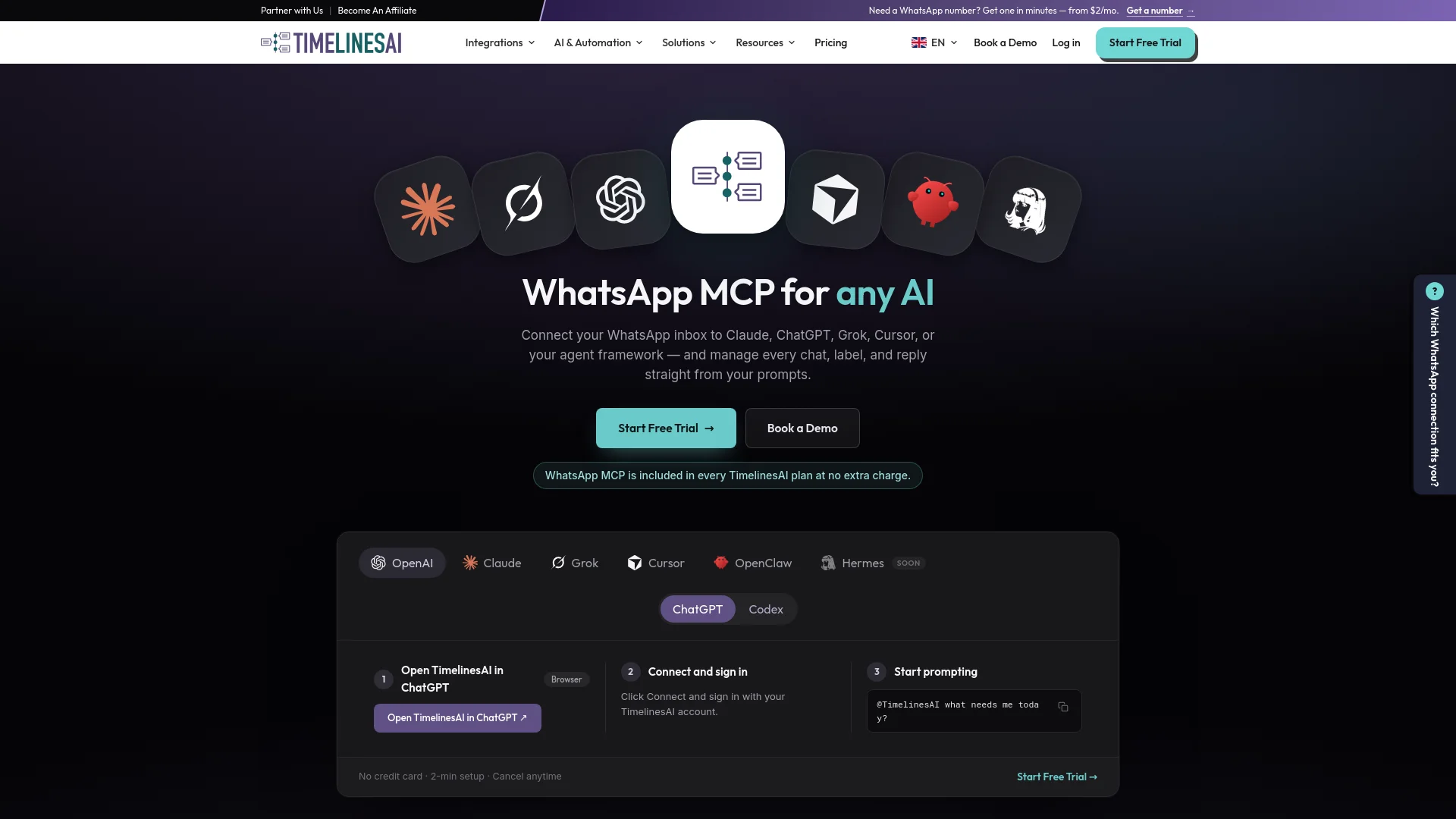
Connect a WhatsApp number to TimelinesAI, open your AI tool, and sign in through a browser using OAuth. Then ask the AI to handle tasks in your inbox. Actions happen immediately as your account, so your existing permissions apply and sent messages cannot be undone.