Course
Give your AI a permanent memory of your business. A course for people who use ChatGPT or Claude daily.Compound Context
Voice Docs logo

Voice Docs

4.1

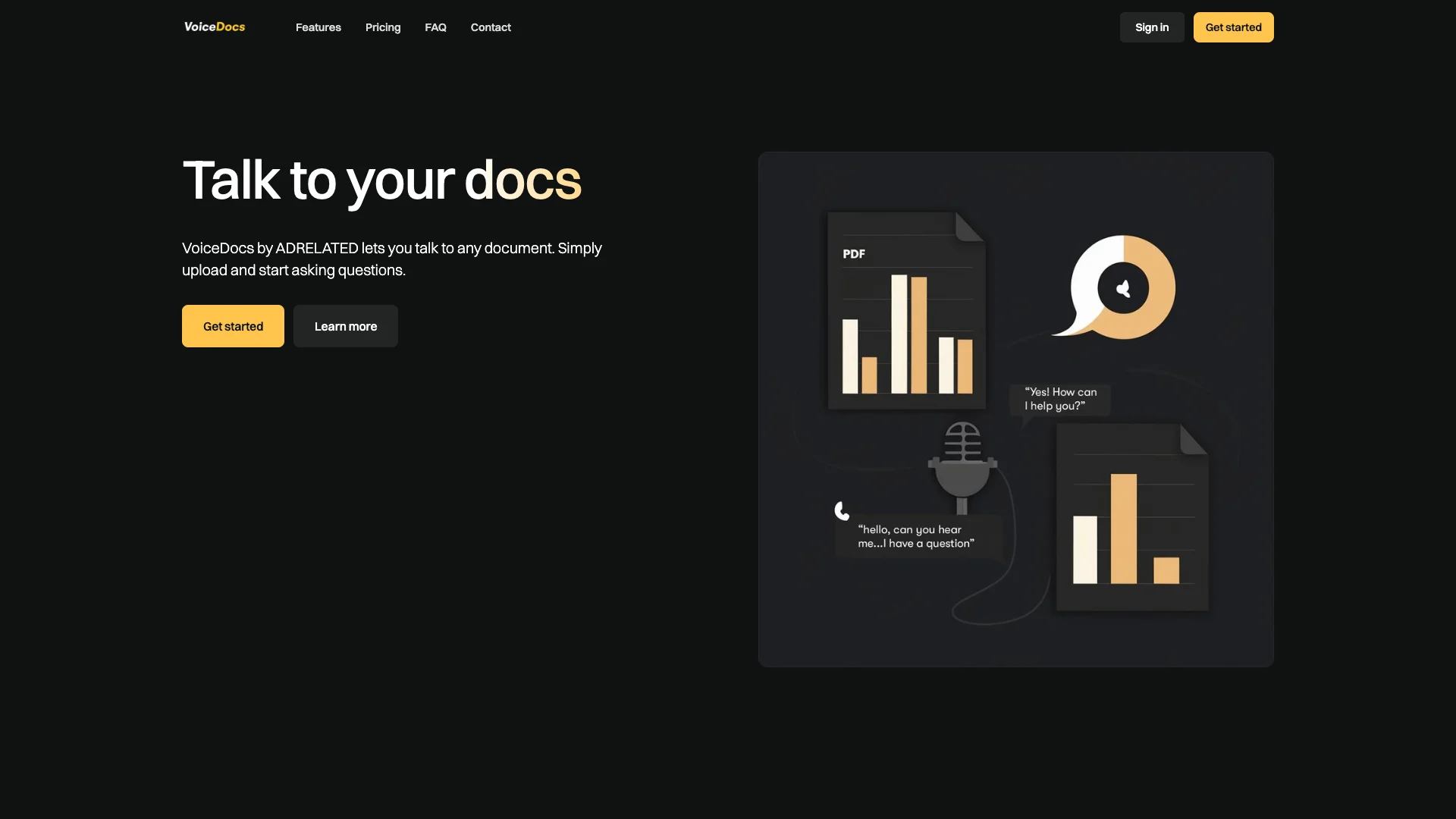
Voice Docs AI lets you talk to your documents using your voice, just like you would a friend. Simply upload PDFs, spreadsheets, or other files, and ask questions to get instant, spoken answers. It makes getting information from your documents easy and fast, available wherever you are.

About Voice Docs

Who It's For

This tool is great for startups, tech companies, and growing businesses. It helps their employees and customers easily get answers from company documents. It makes getting information feel more natural and simple for everyone.

What You Get

You can upload many types of documents, like PDFs and spreadsheets. You get instant answers by just asking questions out loud. You can also pick a voice style that you like. It helps you see trends and reports from the questions asked. You can even share access with others easily.

How It Works

First, you upload your documents. Then, you simply speak your questions about the content. The tool uses advanced AI to understand what you say and finds the answers in your files. It then speaks the answers back to you in real-time. It's designed to be very easy to use, even if you are not tech-savvy.
Stay in the loop

Weekly roundup of new AI agents. No spam, unsubscribe anytime.

Subscribe and get the free 2026 AI Agents Field Guide

Join 1,500+ AI builders · weekly, no spam

Features & Capabilities

🎙️ Conversational AI Core

Real-time Voice Interaction

Engages users in live voice conversations with low latency globally.

Broad Document Compatibility

Supports uploading and conversing with various document types like PDFs, spreadsheets, and presentations.

Instant Document Access

Enables immediate voice interaction with uploaded documents, often within seconds.

Natural Language Querying

Allows users to ask questions in natural language, receiving instant answers from their documents.

⚙️ Platform Flexibility & Customization

Omnichannel Embedding

Provides the ability to embed voice agents on web, mobile platforms, with future support for phone calls.

Customizable Voice Styles

Offers options to personalize the voice agent's style, including gender, accent, and conversational tone.

Shareable Voice Agents

Facilitates easy sharing of a voice agent link, allowing others to interact with shared documents.

📊 Performance & Usage Analytics

Automated Interaction Reports

Generates reports detailing questions asked and the corresponding answers provided by the AI.

Trend and Pattern Analysis

Identifies usage patterns and historical data trends to understand user query behavior.

Interactive Data Visualizations

Presents insights through interactive charts, allowing deeper exploration of performance data.

🧠 Advanced AI Underpinnings

Cutting-edge AI Models

Leverages advanced native voice models, including OpenAI's GPT-4o for robust AI capabilities.

Ultra-Realistic Text-to-Speech

Incorporates Elevenlabs' premium models for highly realistic and natural voice output.

High-Accuracy Speech-to-Text

Utilizes Deepgram's latest models (e.g., Nova-2 series) for superior speech recognition accuracy.

Use Cases

Streamlining Internal Knowledge Access with Voice AI

Employees often struggle to quickly find critical information across vast internal documentation, help files, and onboarding materials. VoiceDocs enables them to simply speak their questions to any uploaded document, receiving instant, accurate voice responses, drastically reducing search time and boosting operational efficiency for startups, tech companies, and growing businesses.

B2B SaaSFor: All Employees

Improving Customer Self-Service through Conversational AI

Companies face challenges in providing quick, accessible support from extensive help files and product documentation, leading to increased support tickets. VoiceDocs allows businesses to deploy voice-enabled agents on their websites or mobile apps, enabling customers to verbally ask questions and receive immediate, natural language answers, enhancing the self-service experience and reducing support load.

Customer ServiceFor: Customer Service Teams

Gaining Instant Data Insights and Trend Analysis

Business professionals frequently struggle to quickly extract meaningful insights from dense data files, complex spreadsheets, and reports. VoiceDocs enables them to upload various data documents and verbally query the content to instantly understand trends, generate automated reports, and dive into interactive charts, democratizing data access and accelerating data-driven decision-making.

General BusinessFor: Business Analysts

Facilitating Collaborative Document Review and Sharing

Teams and external partners often need quick access to specific information within shared documents without sifting through pages or requiring lengthy explanations. VoiceDocs allows users to create a voice-enabled agent for any document and securely share a link, enabling collaborators to ask questions and receive instant, spoken answers, streamlining review processes and efficient information exchange.

Project ManagementFor: Project Managers

Frequently asked questions

Tags