Course
Give your AI a permanent memory of your business. A course for people who use ChatGPT or Claude daily.Compound Context

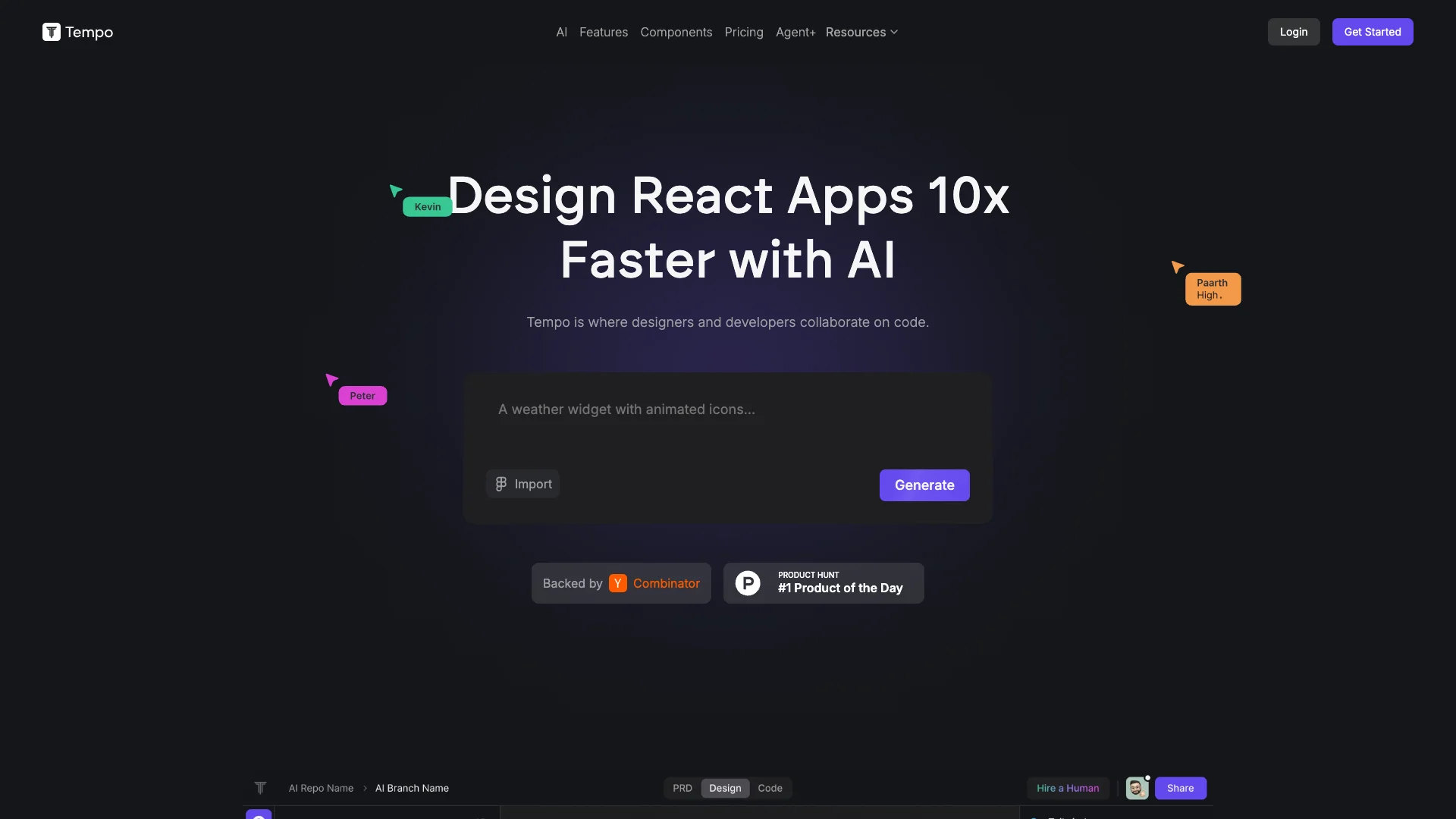
Tempo uses AI to help designers and developers build React apps much faster. It brings together a visual drag-and-drop editor, like a design tool, with a code editor and AI assistance. This unified platform makes it simple to create, customize, and collaborate on applications, all while working with real, editable code.

Free Option

About Tempo

Who It's For

Tempo is for developers, designers, and product managers who build React apps. It helps teams collaborate visually and efficiently, creating new projects or improving existing ones.

What You Get

You get an all-in-one tool combining a visual design editor, a code editor, and AI assistance. This allows you to drag-and-drop to build React components and layouts, generate code with AI, import existing parts, and integrate with GitHub for version control.

How It Works

Start by having AI build a new app from your description, or connect your existing GitHub project. Use the visual editor to design and modify React code. You can also edit code directly, open it in VSCode, and push changes to GitHub, maintaining full control.
Stay in the loop

Weekly roundup of new AI agents. No spam, unsubscribe anytime.

Subscribe and get the free 2026 AI Agents Field Guide

Join 1,500+ AI builders · weekly, no spam

Features & Capabilities

🎨 Visual Design & Development

Drag and Drop Editor

Edit React code visually using an intuitive drag and drop interface.

Visual Code Editor

Polish and control design details for components, layouts, and styles directly in a visual editor.

Design System Management

Build and maintain design systems by importing components or generating custom libraries.

React Component Library

Access hundreds of pre-built React components and templates to accelerate development.

⚙️ Developer Workflow & Integration

Existing Codebase Integration

Integrate seamlessly with your existing React codebase without starting from scratch.

VSCode Integration

Edit code locally using your favorite VSCode editor and extensions.

GitHub Integration

Push and maintain control of your code by integrating directly with GitHub.

Flexible Code Customization

Structure and customize code according to your preferences and project needs.

🧠 AI-Powered Development

AI App Generation

Leverage AI to quickly generate the initial version of your React application.

Intelligent Code Agents

Access powerful AI agents for code assistance and reasoning capabilities.

Automated Error Correction

Benefit from AI-driven fixes for code errors that do not count towards prompt limits.

Use Cases

Accelerating MVP & Feature Development with AI

Startups and product teams often struggle with the speed and cost of bringing new ideas to life. Tempo allows users to quickly generate full-stack React applications or new features from text prompts, complete with initial planning documents and pre-built templates, significantly reducing development time from concept to deployable product.

B2B SaaSFor: Product Managers

Bridging Design & Development for Seamless Handoff

Design and development teams face challenges translating visual designs into pixel-perfect, production-ready code while maintaining design system integrity. Tempo provides a unified visual IDE with drag-and-drop editing for React code and Figma integration, enabling designers to directly influence code and helping developers build and maintain consistent design systems efficiently.

Software DevelopmentFor: UI/UX Designers

Supercharging Development for Existing React Applications

Developers working on established React projects often spend valuable time on repetitive coding tasks, debugging, or integrating new components. Tempo allows teams to connect their existing GitHub repositories, use AI to generate new features, fix code errors, and rapidly build upon their current design systems, dramatically boosting development speed and efficiency.

Software DevelopmentFor: Frontend Developers

On-Demand AI-Driven Feature Delivery for Product Teams

High-growth product teams and companies with aggressive roadmaps often need to ship new features rapidly but are constrained by internal bandwidth. Tempo's Agent+ service acts as an extension of their engineering team, providing dedicated AI agents backed by human experts to design, build, and deliver 1-3 production-ready features per week with guaranteed quality and fast turnaround.

High-Growth StartupsFor: CTOs

Frequently asked questions

Tempo is a visual IDE that combines the functionality of a traditional code editor (like VS Code), a design tool (like Figma), and an AI assistant into a unified development environment. It's specifically designed for building React applications, allowing developers, designers, and product managers to collaborate visually on code using a drag-and-drop editor that maintains the power of traditional coding.

Tempo is versatile and can be used to build a wide range of applications. The platform supports full-stack development, including web applications with React, mobile apps through React Native and Expo, and sophisticated applications that integrate external APIs. Examples include SaaS applications, AI-powered tools, and apps with backend integrations like Stripe, Supabase, and Clerk.

To begin using Tempo, you have two main options: generate an app from scratch or connect an existing GitHub repository. If generating a new project, you'll type in your project context with key details, and Tempo's AI will take over to build the project for you. The platform then provides an AI-powered chat where you can interact with and guide the development process in real-time.

Tempo offers several powerful features, including AI-powered code generation from text or image prompts, a visual editor for components and layouts with drag-and-drop functionality, Figma plugin integration for design-to-code conversion, hybrid visual and code editing with a Tailwind CSS properties panel, GitHub integration for version control, pre-built SaaS templates for common integrations, mobile development support via React Native and Expo, and a planning-first AI engine that generates PRDs and user flow diagrams before code.

Tempo offers three pricing tiers: The Free tier includes 30 prompts (max 5 per day), error fixes, and basic AI assistance. The Pro tier, priced at $30/month, offers 150 prompts per month, full access to code and reasoning agents, error fixes, advanced AI features, with an option for 250 bonus prompts for $50. The Agent+ tier, at $4,000/month, provides 1-3 features built per week by AI agents, quality guaranteed by human engineers and designers, a 48-72 hour turnaround time, unlimited design revisions, and code review improvements.

Yes, Tempo supports existing React codebases and allows you to connect a GitHub repository rather than generating a new project from scratch. You can import existing components from Storybook and leverage Tempo's AI to build new features on top of your established design systems. The platform also fully supports integration with external APIs and backend services.

If the AI makes mistakes and generates code with errors, you can click the "Fix with AI" button to resolve the issues in most cases. If the button isn't visible, you can paste the error message into the chat to guide the AI toward a solution. Alternatively, you can click the code tab to access the code editor and make manual modifications, or push the code to GitHub for further customization.

Deploying your Tempo app is straightforward: click the Share button in the top right corner of the editor (a purple button), then in the dialog that appears, click the "Deploy to Vercel" button to start the publishing process. This enables one-click deployment to get your app live quickly.

Tempo's main differentiators include its planning-first AI engine that generates comprehensive PRDs and user flow diagrams before jumping to code, its hybrid visual and code editing approach that combines Figma-like design tools with real React code, and its full-stack collaboration capabilities with GitHub integration and support for external APIs. It significantly accelerates UI development by eliminating the need to write boilerplate CSS and component code.

While Tempo primarily focuses on frontend development with React, it supports full-stack collaboration through backend integrations. You can connect databases like Supabase for backend services and integrate with external APIs to build complete applications.

Tags

Specifications

Deployment
Browser
Cloud
Target Audience
Individual
Startup
Business
Complexity
Developer

Pricing

Free

Per monthly

Free
  • 30 prompts (max 5 per day)
  • Error fixes are free and do not count towards your monthly prompts

Pro

Per monthly

$30
  • Full access to code & reasoning agents
  • Add 250 bonus prompts for $50 anytime
  • Error fixes are free and do not count towards your monthly prompts

Agent

Per monthly

$4500
  • Our agents design and build 1-3 features for you per week
  • Quality guaranteed by Human Engineers and Designers
  • 48-72hr turnaround time
  • Unlimited design revisions and code review improvements

✓ Free plan • ✓ Plans from $30 / monthly

Integrations

Storybook
VSCode
GitHub

Want your AI tool listed here?

Start with a free eligibility check.

Submit