Course
Give your AI a permanent memory of your business. A course for people who use ChatGPT or Claude daily.Compound Context
Taxy AI logo

Taxy AI

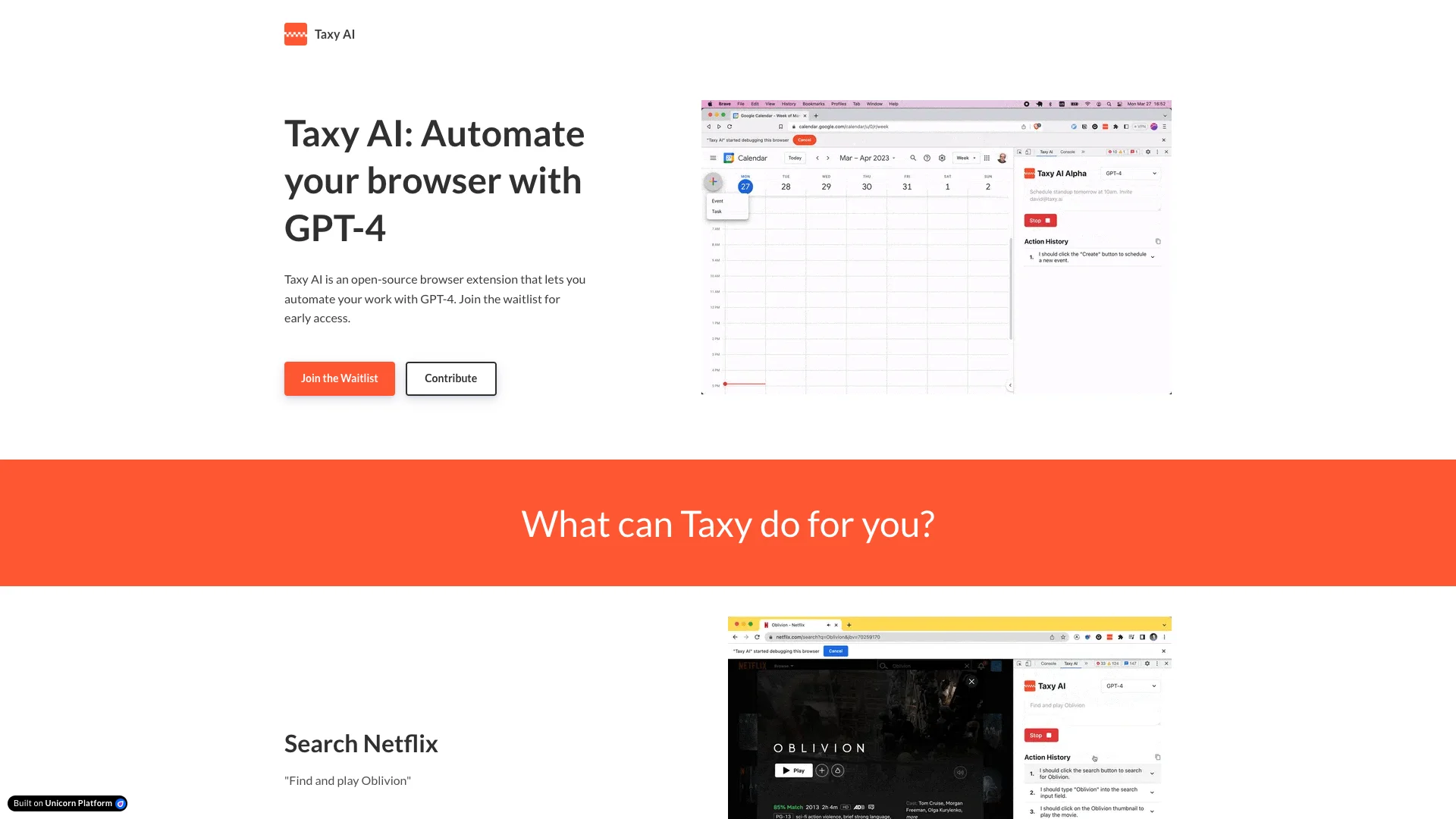
Taxy AI is a free browser extension that uses AI to automate your online tasks. You simply tell it what to do, and it handles repetitive actions like scheduling events, managing workflows, or interacting with any website. This makes your daily digital work much easier and faster.

About Taxy AI

Who It's For

This tool is for anyone who wants to automate tasks they do repeatedly online. If you often perform the same steps on websites, Taxy AI can help. It's also suitable for users who appreciate free, open-source AI solutions.

What You Get

You gain a free, open-source browser extension powered by AI that automates web tasks based on your simple instructions. A key benefit is strong privacy; no page content or commands are sent off your computer. Your data always stays with you.

How It Works

Install the extension and securely add your OpenAI API key. Then, on any webpage, just tell Taxy AI what you need done in plain English. The AI understands your request, analyzes the page, and then performs actions like clicking or typing to complete your task automatically.
Stay in the loop

Weekly roundup of new AI agents. No spam, unsubscribe anytime.

Subscribe and get the free 2026 AI Agents Field Guide

Join 1,500+ AI builders ยท weekly, no spam

Features & Capabilities

๐Ÿค– AI-Powered Browser Automation

Intelligent Web Search & Interaction

Enables the AI to perform specific search queries and execute actions (e.g., playing media) within various web applications.

AI Model Parameter Control

Allows the AI to adjust parameters and issue complex commands within AI development environments like the OpenAI Playground.

Platform-Specific Workflow Automation

Automates complex, platform-specific tasks and settings, such as managing branches on GitHub.

Use Cases

Automating Repetitive Web Tasks with Natural Language

Many professionals face the challenge of performing repetitive, manual tasks across various web applications daily. Taxy AI solves this by allowing users to define custom instructions in natural language, enabling the AI to automate these workflows and interact with any web service directly within their browser, saving significant time and reducing manual effort.

General BusinessFor: Office Workers

Streamlining Developer Workflows on GitHub

Software development teams often encounter routine administrative tasks on platforms like GitHub, such as branch protection or repository configuration. Taxy AI enables developers to automate these specific GitHub workflows using natural language commands, reducing manual overhead and ensuring consistency in project management and code governance.

Software DevelopmentFor: Software Developers

Automating AI Playground Experimentation

Researchers and developers frequently need to adjust parameters and issue prompts within AI playgrounds like OpenAI's for testing and experimentation. Taxy AI allows users to automate these configurations and interactions with natural language commands, streamlining the process of fine-tuning models or generating specific outputs without repetitive manual input.

AI/MLFor: AI Developers

Enhancing Personal Productivity and Web Service Control

Individuals often wish to interact more efficiently with common web services for personal use, such as controlling media playback on Netflix or scheduling events in Google Calendar. Taxy AI offers a natural language interface to automate these actions directly within the browser, simplifying daily digital tasks and enhancing overall personal productivity and convenience.

Personal ProductivityFor: General Internet Users

Frequently asked questions

Taxy AI is an open-source browser extension powered by GPT-4 that automates repetitive tasks within your web browser. It allows you to define custom instructions in natural language, enabling the AI to perform actions like scheduling calendar events, automating workflows, and interacting with various web applications without leaving your browser.

Taxy AI operates through a four-step action cycle: Step 1 involves DOM Extraction and Simplification, where the extension runs a content script to extract and simplify the entire Document Object Model, removing non-semantic information, keeping only interactive or important elements, assigning each interactive element a unique ID, and "templatizing" the DOM to reduce token count. Step 2 is LLM Communication, where Taxy sends the simplified DOM along with your instructions to an LLM (currently supporting both GPT-3.5 and GPT-4), providing it with `click(id)` and `setValue(id, text)` methods to interact with the webpage. Step 3, Action Parsing, occurs when Taxy receives a response from the LLM, parsing the answer for an action, and its safety-first architecture automatically halts execution on unexpected responses or errors. Finally, Step 4 is Execution and Iteration, where Taxy executes the action using the Chrome debugger API, adds it to the action history, and cycles back to step 1 with the updated DOM, including all prior actions in the next prompt to help the LLM detect loops and avoid getting stuck. A maximum of 50 actions can be performed per task, though most tasks require fewer than 10 actions.

Taxy AI's key features include GPT-4 Powered Automation, offering advanced AI capabilities to control your browser and perform complex tasks. It provides Ad-hoc Instructions, allowing you to define custom instructions on the fly for flexible, dynamic automation. It is Open-Source with fully transparent code promoted for community-driven improvements. Taxy AI is Privacy-Focused, ensuring no page contents or instructions are sent to external servers as all data remains on your machine. Currently, the tool is in Research Preview, meaning it is still evolving with plans for future enhancements.

Yes, Taxy AI is completely free to use with no hidden costs, though it's currently in research preview phase. You only need to provide your own OpenAI API key, which is stored securely in your browser and not uploaded to third parties.

Common use cases for Taxy AI include automating repetitive tasks in web applications, scheduling events in Google Calendar, interacting with web services like Netflix, performing actions in the OpenAI playground, automating GitHub workflows, and general task automation across any web application.

To get started with Taxy AI, first install the browser extension. Then, create or access an existing OpenAI API key and paste it into the provided box, which securely stores it in your browser without uploading to third parties. Finally, navigate to a webpage you want Taxy to interact with and begin experimenting.

If you encounter issues, review your commands and instructions for clarity and completeness. Since Taxy is in research preview, some workflows may require refinement or simplification. You can also try restarting the browser extension or reinstalling it to resolve temporary glitches. Additionally, consult the GitHub issues page for known bugs and recommended fixes, and consider contributing logs or error reports to assist the developers.

Yes, Taxy AI prioritizes privacy by operating entirely locally. No page content or instructions are sent to external servers during automation, ensuring sensitive browsing data remains on your machine and reducing the risk of data leaks. The open-source nature allows community auditing of any privacy concerns, and you retain full control of your data. All data generated during sessions resides locally within the browser extension and filesystem with no built-in cloud export or retention policies.

Taxy AI plans to support saved and scheduled workflows in future updates, which will enhance long-term productivity and likely include import/export capabilities. The tool continues to evolve with community input and GitHub repository updates.

Currently, migrating existing workflows requires manual recreation since Taxy focuses on natural language instruction-driven automation without a formal import system. However, as the tool evolves and saved/scheduled workflows are implemented, import/export capabilities may become available.

Tags

Specifications

Deployment
Browser
Target Audience
Individual
Startup
Complexity
Developer

Integrations

Netflix
OpenAI Playground
GitHub
Unicorn Platform

Want your AI tool listed here?

Start with a free eligibility check.

Submit