Course
Give your AI a permanent memory of your business. A course for people who use ChatGPT or Claude daily.Compound Context
StartClaw logo

StartClaw

Free trial

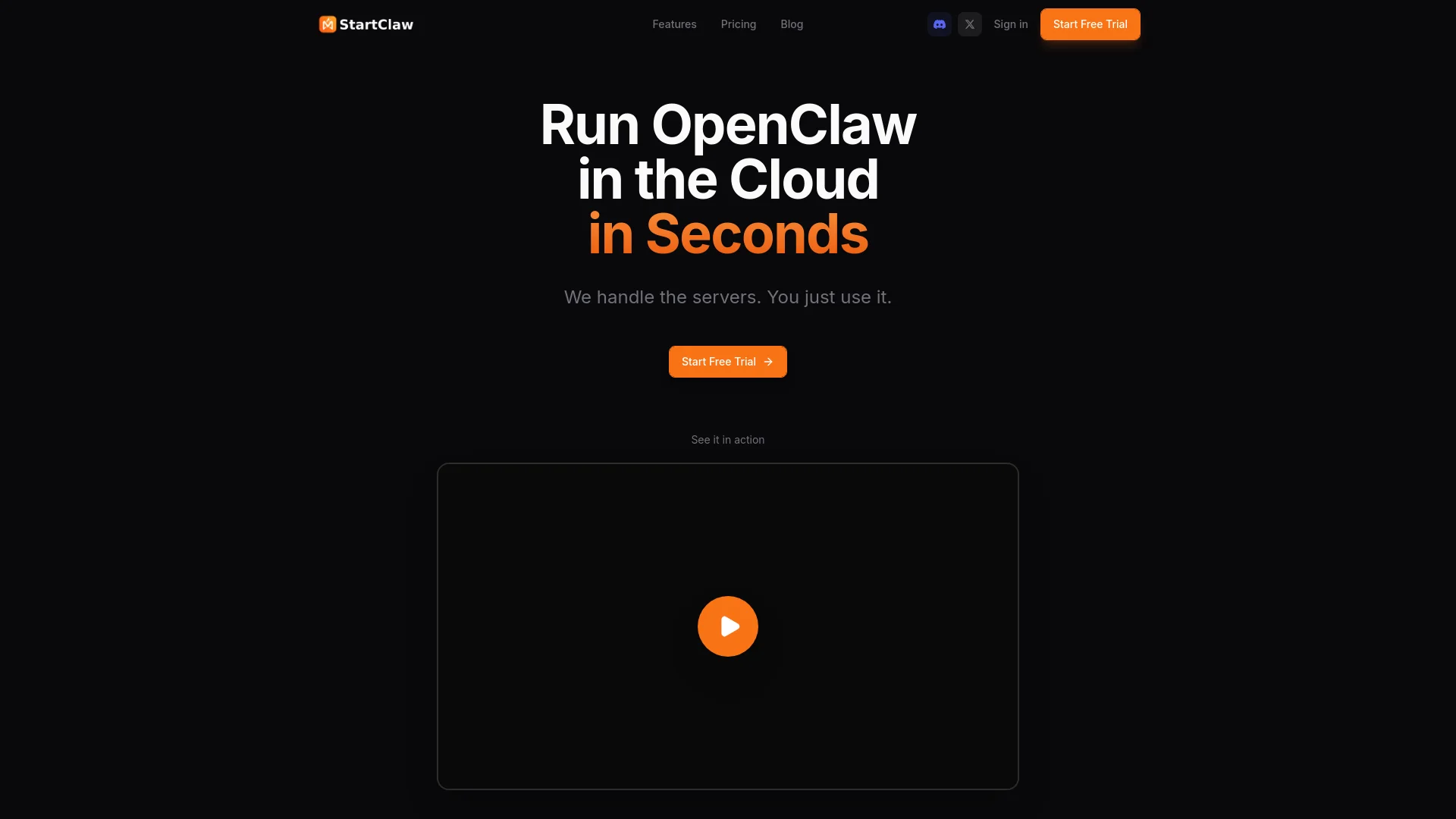
StartClaw gives you an AI employee that works in the cloud, handling tasks like web browsing, research, messaging, and automation. This smart agent has its own browser and memory, running around the clock without you managing servers. Set it up in five minutes for quick, automated help, freeing you to focus elsewhere.

About StartClaw

Who It's For

StartClaw is for anyone needing a smart AI assistant without complex setup. If you want help with web research, messaging, monitoring, or task automation, this tool is ideal. It lets an AI employee work independently, freeing you from server management.

What You Get

You get an AI agent acting as your personal employee. It browses websites, fills forms, and chats via Telegram. This AI handles research, messaging, and automation. You receive a live dashboard to watch it work and automatic updates. Your data stays private on isolated servers.

How It Works

Setup is quick, taking only five minutes. First, sign up for an account. Then, add your own AI API key from providers like Claude or OpenAI. Finally, connect Telegram by scanning a QR code. StartClaw manages all server details, so your AI employee starts working instantly.
Stay in the loop

Weekly roundup of new AI agents. No spam, unsubscribe anytime.

Subscribe and get the free 2026 AI Agents Field Guide

Join 1,500+ AI builders ยท weekly, no spam

Features & Capabilities

๐Ÿง  AI Agent Core Capabilities

AI Browser Automation

The agent can browse any website, fill forms, and extract data autonomously.

Autonomous Task Execution

Performs tasks like research, messaging, monitoring, and content generation without user intervention.

Data Processing & Automation

Handles various data-related tasks, including analysis and process automation.

๐Ÿ–ฅ๏ธ User Experience & Control

Live Activity Dashboard

Monitor your AI agent's actions and progress in real-time through a dedicated interface.

Mobile Chat Integration

Interact with your AI agent and issue commands directly from your phone via Telegram.

Bring Your Own API Key

Utilize your personal Claude or OpenAI API keys for transparent usage and direct cost control.

โ˜๏ธ Managed Service & Reliability

Cloud-Hosted Solution

Run your AI agent in the cloud, eliminating the need for server setup or ongoing maintenance.

Automatic Updates

The platform automatically ensures your agent is always running the latest version without manual effort.

Isolated Infrastructure

Your data and agent operations are secured on private, isolated servers for enhanced privacy.

Quick Deployment

Get your AI employee ready and working within minutes with a straightforward setup process.

Use Cases

Automating Pre-Sales Account Research

Sales teams spend countless hours manually researching target accounts for pre-sales activities, leading to lost time and missed opportunities. OpenClaw acts as an autonomous AI employee with its own browser, capable of navigating websites, filling forms, and extracting specific data points overnight, providing Account Executives with comprehensive, up-to-date prospect intelligence for more effective outreach.

B2B SaaSFor: Account Executive

Real-time Market & Competitive Intelligence Briefings

Staying ahead in a fast-paced market requires constant monitoring of industry news, competitor moves, and market trends, which is often overwhelming. OpenClaw autonomously monitors designated online sources and internal communications, using its persistent memory to understand user interests, and then delivers tailored daily briefings directly to messaging platforms, ensuring Go-to-Market leaders receive critical, actionable insights without manual searching.

B2B SaaSFor: Go-to-Market Leaders

Enhancing Customer Engagement & Support Through Automation

Customer support and engagement teams often juggle multiple communication channels and repetitive inquiries, leading to response delays and operational inefficiencies. OpenClaw integrates with various messaging platforms (Telegram, Slack, WhatsApp) to act as a conversation-first AI agent, handling routine queries, summarizing interactions, performing quick web searches, and automating follow-up tasks, freeing up agents to focus on complex customer needs.

Customer ServiceFor: Customer Support Agents

AI-Powered Internal Knowledge Management & Content Curation

Organizations struggle to keep internal knowledge bases updated and content organized across disparate systems, hindering team productivity. OpenClaw autonomously creates summaries from various sources, organizes files across cloud services and local drives, and leverages its persistent memory to learn and adapt to organizational content structures, ensuring critical information is always accessible and well-managed for internal teams.

EnterpriseFor: Knowledge Management Teams

Frequently asked questions

OpenClaw is a conversation-first AI agent that runs on your own devices or servers, connecting to messaging platforms for chatting, performing tasks like file creation or summarization, web searches, and using large language models.

OpenClaw installation requires a Telegram account or similar, terminal comfort, and Node.js on macOS, Linux/WSL2, or servers like Raspberry Pi or Mac Mini. The setup process involves model and authentication setup, workspace bootstrap, gateway settings, provider selection, and daemon installation. For quick deployment, one-click options are available via platforms like Railway for cloud setup, or local install with guided prompts. Testing can be done using the Control UI browser dashboard or TUI, and API keys like Brave Web Search can be added via chat for enhanced capabilities.

To troubleshoot and diagnose issues, run specific OpenClaw commands for quick checks. The openclaw status command shows gateway and agent health and a config snapshot. openclaw models status verifies provider authentication and model availability. The openclaw doctor command validates and repairs configuration and state issues. Other useful commands include openclaw status --all, openclaw logs --follow, and openclaw gateway status.

OpenClaw supports various messaging apps, including WhatsApp, Telegram, Slack, Discord, Mattermost (with a plugin), Google Chat, Signal, iMessage, and WebChat, with some supporting voice and Canvas features. For hardware, it is advisable to start on secondary devices such as a Mac Mini, Raspberry Pi, an old laptop, or a cloud server before installing on a main computer to build trust.

Key features of OpenClaw include persistent memory, which allows it to learn user details like name, timezone, preferences, and patterns over time. It offers autonomy, monitoring inboxes, sending daily briefings, organizing files across drives and cloud services, and handling rate limits. Customization is also a feature, with an adjustable personality, support for slash commands for new bots, and tool integration. For model recommendations, it is suggested to use large models for tools and to enable sandboxing or allowlists for small models.

OpenClaw can run either fully locally or cloud-connected, for example, via Telegram.

OpenClaw was formerly known as Clawbot, ClawdBot, or Maltbot; check the installation documentation for details on how to get updates.

Specifications

Deployment
Browser
Cloud
Self-hosted
Target Audience
Individual
Complexity
Low-code

Pricing

โœ“ Free trial

Integrations

Claude
OpenAI
Telegram
Discord

Want your AI tool listed here?

Start with a free eligibility check.

Submit