Course
Give your AI a permanent memory of your business. A course for people who use ChatGPT or Claude daily.Compound Context
Reassign logo

Reassign

4.1
โ€ข

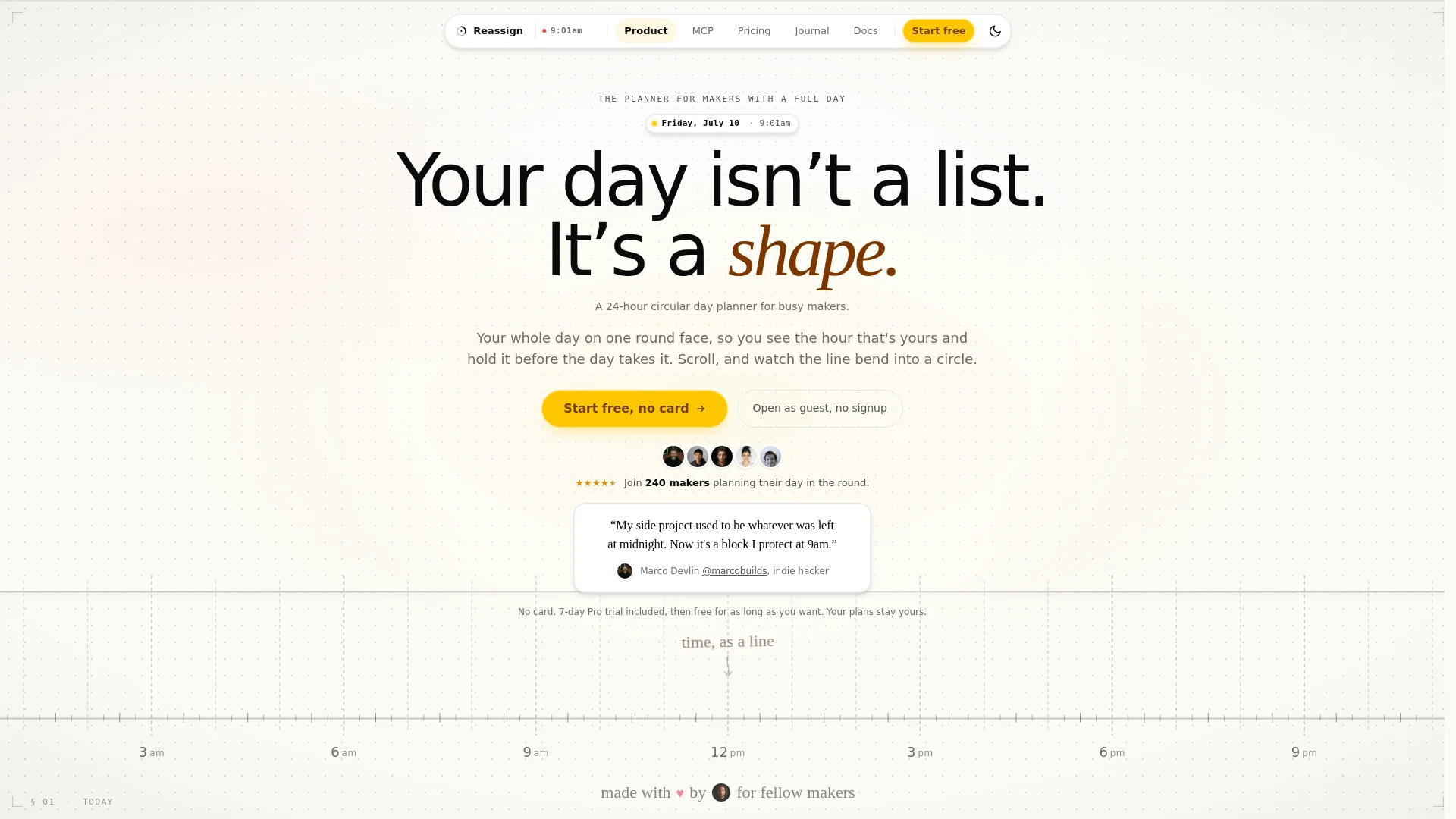
This tool helps you plan your day on a 24-hour circular dial instead of a standard list. It allows you to guard specific time for your personal projects while easily managing your work and daily tasks.

Free Option

About Reassign

Who It's For

This planner is for makers, creators, and indie hackers who struggle to fit personal projects into a busy schedule. If you find that your side projects get pushed aside by day jobs or unexpected tasks, this tool helps you hold your ground. It is perfect for anyone who wants to see the actual shape of their day rather than staring at a long, overwhelming list of chores.

What You Get

A simple, circular interface that shows your entire 24-hour day in one view. You get tools to color-code tasks, sync your existing calendars, and see when your body naturally has the most energy. It also features an AI assistant that can help you rearrange your schedule without moving the important time blocks you have already set aside for yourself.

How It Works

You simply swipe and drag on the circular dial to create blocks of time for your tasks. You can set repeating routines, mark tasks with different colors, and even have an AI suggest changes when your day gets busy. It keeps your most important tasks protected so that they do not get lost when other meetings or events pop up during the day.
Stay in the loop

Weekly roundup of new AI agents. No spam, unsubscribe anytime.

Subscribe and get the free 2026 AI Agents Field Guide

Join 1,500+ AI builders ยท weekly, no spam

Features & Capabilities

๐Ÿ•’ Circular Time Management

24-Hour Dial Interface

Visualizes your entire day on a single circular face to help you reclaim ownership of your time.

Intuitive Time Blocking

Allows you to claim and lock time blocks with simple touch gestures rather than tedious form entries.

Dynamic Rescheduling

Automatically reshapes your day when appointments shift while keeping your protected maker hours intact.

๐Ÿง  Intelligent Planning

AI-Powered Replanning

Uses AI to adjust your schedule based on natural language requests while strictly preserving your protected focus blocks.

Body Clock Energy Mapping

Visualizes your circadian rhythm to help you align tasks with your peak focus hours.

Accountability Tracking

Compares your original daily plan against your actual activities to improve future scheduling accuracy.

๐Ÿ”— Integration & Organization

Multi-Calendar Sync

Consolidates external calendars into a single, color-coded view on the dial.

Categorized Areas

Organizes your life into distinct segments like Day Job, Family, and Side Projects using color and texture coding.

Recurring Routines

Sets repeating events for school runs, meetings, and daily habits so they return automatically.

Screenshots

See Reassign in action

Use Cases

Automating Daily Schedule Optimization

Busy makers and independent software developers often struggle to maintain focus on side projects amidst shifting professional commitments. Using the Reassign AI integration, users can provide natural language prompts to intelligently rearrange their day while ensuring that high-priority personal or creative blocks remain protected and fixed.

Software Development & Indie HackingFor: Indie Hacker

Balancing Deep Work with Dynamic Daily Commitments

Professionals managing both full-time roles and personal growth projects can use the circular day planner to visualize energy levels and time allocation. By mapping energy peaks (body clock) against scheduled tasks, users can move essential deep work into their most productive hours and prevent day jobs from encroaching on protected creative time.

B2B SaaS & Creative ServicesFor: Productivity-focused Professional

Visualizing Work-Life Integration

Individuals struggle with traditional task lists that lack temporal context, leading to forgotten personal priorities. This tool enables users to sync multiple calendars and categorize blocks by activity type, allowing them to instantly see if their day job is consuming the time they intended to dedicate to family or personal development.

Professional ServicesFor: Go-to-Market Leaders

Frequently asked questions

Specifications

Deployment
Browser
Browser
Target Audience
Individual
Complexity
Developer

Pricing

Free

Per monthly

Free
  • Plan up to 5 days ahead
  • Drag to plan, move, and resize
  • Areas (colour) & activity types (pattern)
  • Overlapping non-blocking events
  • Undo, keyboard control, print, and per-user timezones
  • Real-time sync across your sessions
  • Offline-first with auto-sync

Pro

Per monthly

$8
  • Includes all features from the Free plan
  • Plan with Claude (MCP)
  • Two-way calendar and task sync
  • Recurring events and an unlimited horizon

โœ“ Free trial โ€ข โœ“ Free plan โ€ข โœ“ Plans from $8 / monthly

Integrations

Google Calendar
Claude

Want your AI tool listed here?

Start with a free eligibility check.

Submit