Course
Give your AI a permanent memory of your business. A course for people who use ChatGPT or Claude daily.Compound Context
Juno AI logo

Juno AI

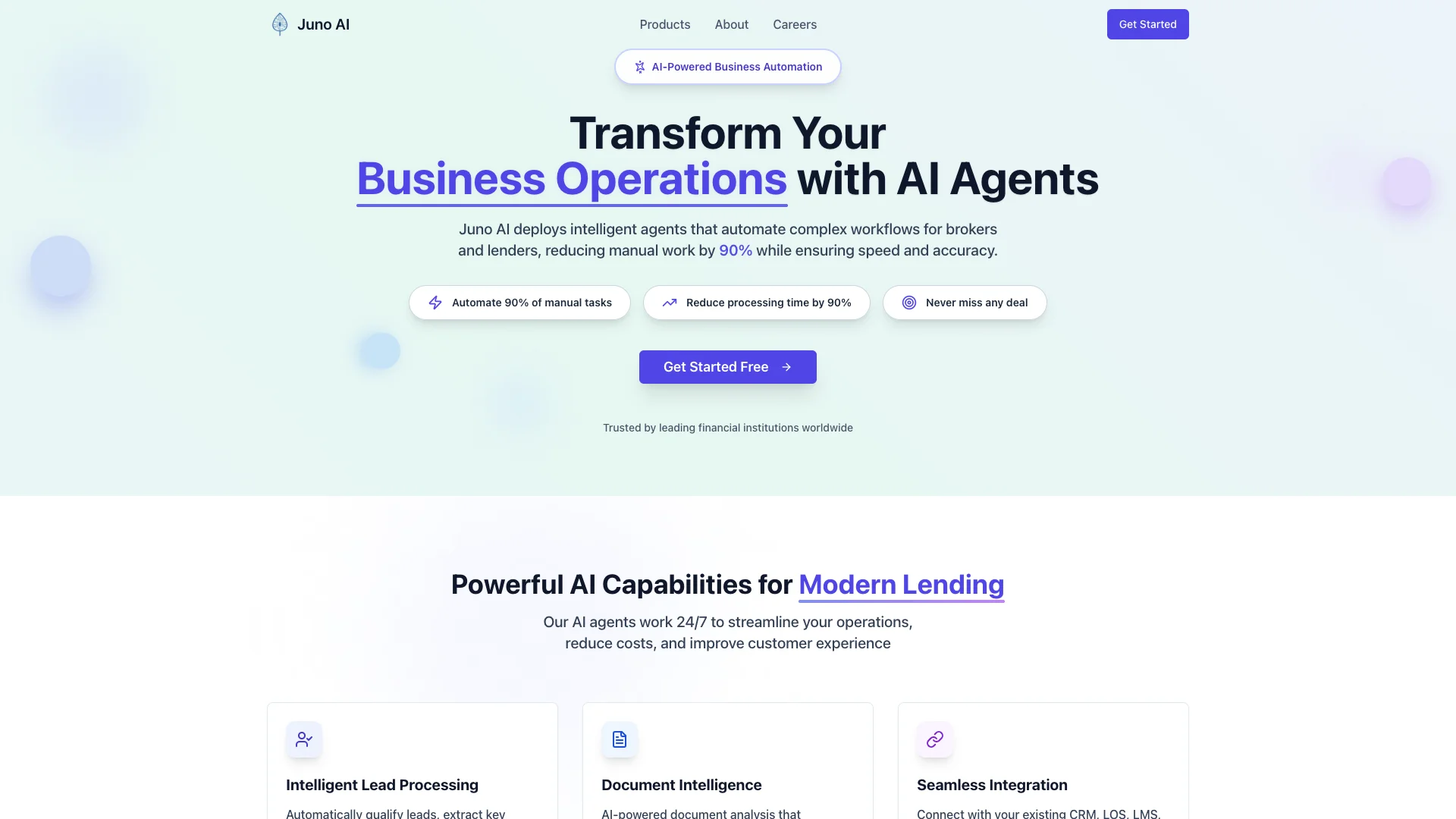
Juno AI uses smart computer agents to automatically handle repetitive business tasks for brokers and lenders. It cuts down manual work by 90%, speeding up operations and making sure everything is done correctly, so teams can focus on important client relationships and growth.

About Juno AI

Who It's For

Juno AI is for brokers and lenders in the financial industry. It helps businesses that spend a lot of time on repetitive, manual tasks. If you want to free up your team to focus on clients and growth, this tool is designed for you.

What You Get

With Juno AI, you get a significant reduction in manual work, up to 90%. This means your team saves hundreds of hours each month, allowing them to focus on important client relationships. The system processes tasks quickly and accurately, even handling ten times more volume without needing extra staff. You can also process documents much faster.

How It Works

Juno AI uses intelligent computer agents to take over daily, routine tasks. These agents work around the clock, automating complex steps in your business operations. It connects easily with your current software and tools, so data moves smoothly without manual input. This helps cut down costs and makes customer service better by ensuring quick and accurate task completion.
Stay in the loop

Weekly roundup of new AI agents. No spam, unsubscribe anytime.

Subscribe and get the free 2026 AI Agents Field Guide

Join 1,500+ AI builders · weekly, no spam

Features & Capabilities

⚙️ Core AI Automation

Intelligent Workflow Automation

Deploys AI agents to automate complex business processes for brokers and lenders, reducing manual work by 90%.

High Accuracy & Speed

Ensures automated tasks are performed with precision and efficiency, significantly reducing processing time.

24/7 Uninterrupted Operation

AI agents work around the clock, guaranteeing continuous processing and never missing a deal.

Scalable Volume Handling

Enables businesses to process significantly higher volumes (10x) with existing teams.

⏱️ Operational Efficiency

Manual Task Reduction

Automates up to 90% of repetitive administrative tasks, freeing up valuable human resources.

Significant Time Savings

Reclaims hundreds of hours per month by eliminating manual processing and data entry.

Strategic Focus Empowerment

Allows teams to shift their efforts from routine operations to high-value client relationships and strategic growth.

Rapid Document Processing

Drastically reduces document processing time from hours to minutes, improving overall efficiency.

🔗 System Integrations

Extensive Pre-built Integrations

Connects seamlessly with over 100 existing business tools, eliminating manual data transfer.

Custom Integration Development

Offers tailored integration services to connect any specific tool, further streamlining unique workflows.

Use Cases

Automating Lending Application Processing

Lenders and brokers face significant manual effort and time delays in processing applications. Juno AI deploys intelligent agents that automate 90% of these tasks, processing applications 24/7 and reducing document processing time from hours to minutes, enabling them to handle 10x more volume.

Financial ServicesFor: Brokers, Lenders

Freeing Up Teams for Strategic Client Engagement

Repetitive administrative tasks consume valuable time for financial professionals, diverting focus from strategic growth and client relationships. Juno AI automates routine operations, saving teams over 500 hours per month and allowing them to concentrate on high-value client interactions and improving customer experience.

Financial ServicesFor: Account Executives, Client Relationship Managers

Streamlining Back-Office Workflow Integration

Manual data transfer and complex workflows across various business tools lead to inefficiencies and errors in financial operations. Juno AI seamlessly integrates with over 100 existing systems and offers custom integrations, eliminating manual data entry, streamlining administrative tasks, and ensuring accuracy across all operations.

Financial ServicesFor: Operations Leaders, IT Managers

Frequently asked questions

Juno AI is a smart lighting system featuring LED light fixtures equipped with voice control via Amazon Alexa, offering both lighting and sound functionalities with an integrated speaker. It controls smart home devices that are compatible with Alexa to manage lighting, music, thermostats, locks, and more from a central app or Alexa-enabled devices.

To install and set up Juno AI devices, first install the Juno AI fixture according to the instructions. Then, download the Juno AI app from App Store or Google Play, connect your device to your home Wi-Fi network, and register for a Juno AI account within the app by providing an email and password and verifying your email. Finally, follow in-app prompts to pair your Juno AI fixtures and link your Juno AI account with your Amazon Alexa account to enable voice control.

Yes. Juno AI devices can be fully controlled by any Alexa-enabled device such as an Amazon Echo. The Juno AI app links to Alexa to enable this integration, allowing voice commands for lighting, music, and smart home controls.

You can pair and control over 200 Juno AI devices simultaneously, subject to Wi-Fi router limitations.

While the devices connect through Wi-Fi, they can function on your local network without internet for basic lighting control via the Juno AI app. However, Alexa features requiring internet (e.g., weather updates, music streaming) will not work without online access.

Yes. Control is possible remotely through the Alexa app on mobile devices, app on computers, or web browsers, allowing home automation management even when away from home.

Juno AI provides several features beyond lighting, including voice-controlled access to smart home devices, music playback via built-in JBL® speakers in downlights or speaker lights, adjustable lighting color temperature (from warm to cool), privacy controls such as muting or turning off voice features via a physical switch, and integration without the need for an additional hub.

Use the Juno AI app to commission the new fixture and enable Alexa skills, then open the Alexa app to find and integrate the new device into your existing Alexa system.

Specific preferences such as light behaviors upon power restoration can be set in the app, but the maximum recommended height is not explicitly stated in the FAQ. Available options include setting light intensity to 100%, 50%, or previous state when powered back on.

Tags