Course
Give your AI a permanent memory of your business. A course for people who use ChatGPT or Claude daily.Compound Context
LM Studio logo

LM Studio

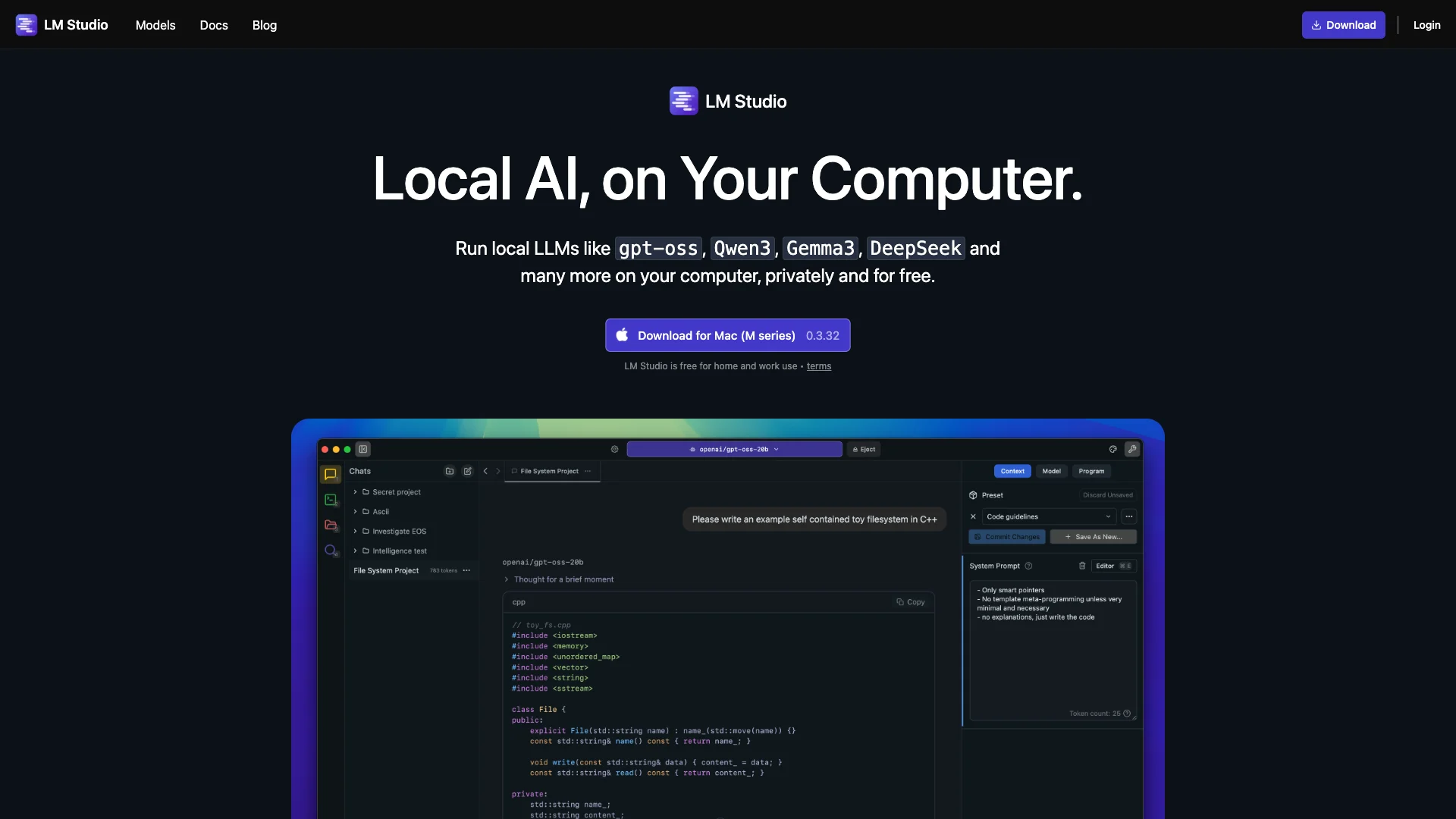
LM Studio is a free desktop app that lets you download and run powerful AI models, such as Llama and Mistral, directly on your computer. This means your data stays private as all interactions happen locally, not in the cloud. It's easy to manage and chat with different models, giving you full control for personal or work tasks.

About LM Studio

Who It's For

LM Studio is for anyone who wants to run AI models on their own computer, privately and for free. It's ideal for users who care about data privacy, developers needing a local AI environment, or anyone wanting to experiment with various large language models without using cloud services.

What You Get

You get a free desktop app that lets you download, manage, and chat with popular AI models like Llama and Mistral. All your data stays on your machine for complete privacy. It also uses your computer's GPU for faster speed and offers tools for developers to integrate AI into their own programs.

How It Works

Simply download and install LM Studio for your operating system. Inside the app, use the Discover tab to find and download your chosen AI model. Then, go to the Chat tab, load the model, and begin typing your questions or commands. Developers can also set up a local server to access models programmatically.
Stay in the loop

Weekly roundup of new AI agents. No spam, unsubscribe anytime.

Subscribe and get the free 2026 AI Agents Field Guide

Join 1,500+ AI builders · weekly, no spam

Features & Capabilities

⚙️ Core LLM Runtime

Local LLM Execution

Enables running large language models directly on your personal computer for enhanced performance and privacy.

Wide Model Compatibility

Supports a diverse range of popular open-source LLMs like GPT-OSS, Qwen3, and Gemma3.

Private & Free Usage

Offers a secure, on-device environment for LLMs without cost for both home and work use.

🛠️ Developer Integration

Multi-Language SDKs

Provides SDKs for JavaScript and Python to programmatically interact with local LLMs.

OpenAI API Compatibility

Features an API endpoint that mimics OpenAI's API for seamless integration with existing tools.

Command Line Interface (CLI)

Offers a powerful `lms` command-line tool for advanced control and scripting of local models.

Apple MLX Model Support

Allows running models specifically optimized for Apple's MLX framework, leveraging Apple Silicon.

Use Cases

Private LLM Chat and Experimentation

Individuals and teams can download and interact with a wide range of large language models directly on their personal computers. This eliminates concerns about data privacy and cloud service costs, making it ideal for experimenting with AI capabilities, testing prompts, or handling sensitive information in a secure, local environment.

GeneralFor: Individual Researchers, Students, AI Enthusiasts, Privacy-Conscious Professionals

Local AI Application Development

Developers can leverage LM Studio's local inference server and SDKs (Python, JavaScript) to programmatically integrate large language models into their applications. With OpenAI-compatible API endpoints and support for tool use, developers can rapidly prototype and build AI features with full data privacy and control, without relying on external cloud APIs during development.

Software Development, ITFor: Software Developers, AI/ML Engineers, Data Scientists

Secure Enterprise LLM Deployment

Businesses handling sensitive or proprietary data can deploy and run large language models on their internal infrastructure using LM Studio, ensuring maximum data privacy and compliance. This enables secure internal AI applications, data analysis, and content generation without transmitting information to external cloud providers, offering a cost-effective alternative for ongoing operations.

Financial Services, Healthcare, Legal, Government, Enterprise ITFor: IT Managers, DevOps Engineers, Enterprise Architects, Security Teams

LLM Research and Benchmarking

Researchers and machine learning engineers can utilize LM Studio to effortlessly discover, download, and manage a diverse collection of large language models from Hugging Face. The platform allows for easy switching between models and performance optimization via GPU offload, facilitating direct comparison and benchmarking of various LLMs for academic research, model evaluation, or specialized application development.

Academia, AI Research, Machine Learning EngineeringFor: AI Researchers, Machine Learning Engineers, Data Scientists, PhD Students

Frequently asked questions

LM Studio is an intuitive desktop application that allows you to download, manage, and run large language models (LLMs) locally on your computer. It serves as both a user interface and LLM engine, integrating with Hugging Face's model repositories to provide easy access to models like Llama, Mistral, Gemma, DeepSeek, and many others. Unlike cloud-based AI services, LM Studio operates entirely on your machine, giving you complete privacy and control over your data.

Download the latest version from lmstudio.ai for your operating system (Mac, Windows, or Linux). Follow the simple installation instructions provided on the website. Once installed, launch the application to begin.

LM Studio requires sufficient computational power to run AI models locally. At minimum, you should have 16GB of RAM for optimal performance. If you have an NVIDIA GPU, you can enable GPU acceleration to significantly speed up model execution.

Navigate to the Discover tab within LM Studio and search for models by name (such as "Llama," "Mistral," or "DeepSeek"). Select your desired model and click the download button—LM Studio will automatically download and configure it for local use.

After downloading a model, click on the Chat tab and select the Load AI Model button at the top center of the screen. Choose your downloaded model from the list and wait for it to load (typically less than a minute). Once loaded, you can immediately start interacting with the model by typing prompts, asking questions, or assigning tasks.

Yes, you can switch between models at any time. LM Studio stores all your downloaded models in the My Models tab, allowing you to experiment with different models and compare their capabilities.

If you have an NVIDIA GPU, enable GPU offload in the Chat tab to accelerate processing. You can slide the GPU Offload setting to maximize the number of layers your VRAM can handle (for example, 14 layers for an NVIDIA RTX 3090).

Yes. LM Studio includes a Developer tab where you can run a local inference server. This enables you to access LM Studio through its own APIs and SDKs using TypeScript, Python, REST endpoints, and OpenAI-compatible endpoints.

All models in LM Studio support at least some degree of tool use. Models with native tool use support are marked with a hammer badge in the application and generally perform better in tool use scenarios.

LM Studio supports various model formats including .gguf and .safetensors files downloaded from Hugging Face.

Yes, LM Studio supports Model Context Protocol (MCP) connections, allowing you to connect MCP servers and expand functionality. This enables integration with various tools and services for enhanced capabilities.

Absolutely. Since LM Studio runs entirely on your local machine, all your data and interactions remain private—you're not sending anything to cloud servers. This makes it ideal for working with sensitive information.

Tags