Course
Give your AI a permanent memory of your business. A course for people who use ChatGPT or Claude daily.Compound Context
Langflow logo

Langflow

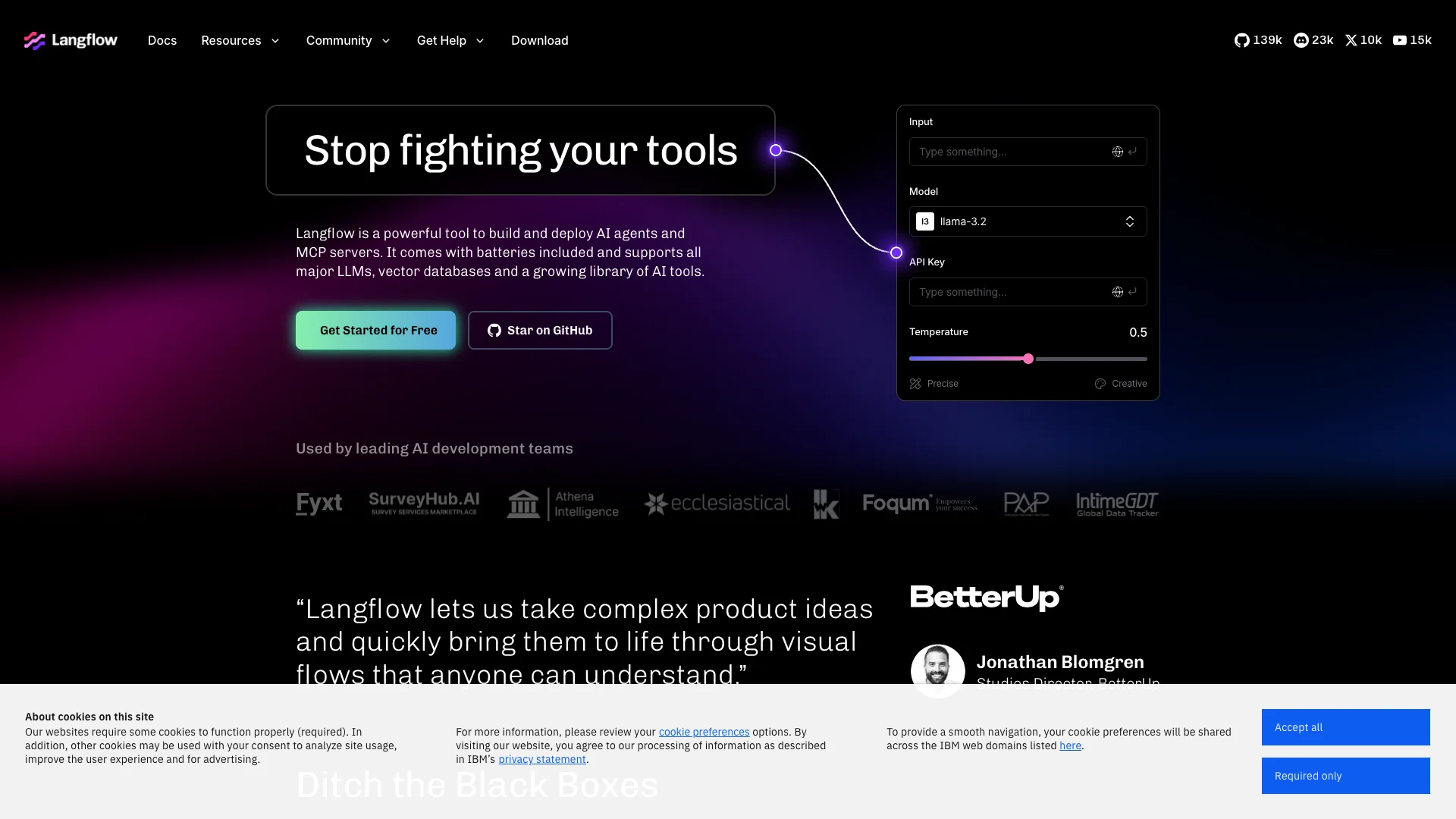
Langflow is a visual, drag-and-drop tool for quickly building and deploying AI agents and workflows, simplifying complex AI development. It easily connects with major AI models and data sources, letting you create powerful applications for tasks like chatbots, RAG systems, and content generation with clear, visual control.

About Langflow

Who It's For

Langflow is for anyone building AI applications, especially teams needing quick development. It helps create AI agents and chatbots fast. Ideal for prototyping AI ideas with visual control, reducing complex coding needs.

What You Get

You get a visual drag-and-drop tool to build AI workflows. It connects with major AI models, databases, and many data sources. It offers multi-agent support, prompt testing, and chat features. You can customize components with Python. Deployment options include self-hosting or a free cloud account.

How It Works

You design your AI by linking modular blocks, called nodes, in a visual editor. Each node performs a specific task, like running an AI model or accessing data. Connecting nodes creates a logical flow. Langflow turns this visual setup into a working app. You can adjust settings or view Python code, then test and launch your AI.
Stay in the loop

Weekly roundup of new AI agents. No spam, unsubscribe anytime.

Subscribe and get the free 2026 AI Agents Field Guide

Join 1,500+ AI builders ยท weekly, no spam

Features & Capabilities

โš™๏ธ Core AI Development

Visual Flow Builder

Design and assemble AI agents and applications with an intuitive drag-and-drop interface.

AI Agent & MCP Server Deployment

Deploy developed AI agents and Multi-Component Pipeline (MCP) servers to production environments.

Granular Workflow Control

Manage AI complexity and fine-tune agent behavior with precise control over models and parameters.

Rapid Iteration & Comparison

Quickly swap and compare different AI models and components for efficient experimentation and optimization.

๐Ÿ”— Ecosystem Integrations

Extensive LLM & Vector DB Support

Connect to a wide array of leading Large Language Models and vector databases.

Broad Data Source Connectivity

Integrate with hundreds of existing data sources, enhancing AI agent capabilities.

Custom Component Creation

Develop and add your own unique components to extend Langflow's functionality.

Flexible Deployment Options

Choose between self-hosting via open-source or utilizing a scalable, secure cloud platform.

Use Cases

Accelerating AI Agent Prototyping and Iteration

AI development teams frequently face challenges in rapidly building, testing, and refining AI agents due to complex coding and integration hurdles. Langflow provides a visual, low-code environment with a drag-and-drop interface, enabling developers to quickly prototype, iterate on, and debug complex AI workflows, drastically shortening development cycles.

AI DevelopmentFor: AI Developers

Streamlining Retrieval-Augmented Generation (RAG) Application Development

Building effective RAG applications often requires intricate integration of diverse data sources, vector stores, and language models, adding significant complexity for engineers. Langflow simplifies this process with its visual editor, allowing engineers to connect various data sources and LLMs, abstracting away boilerplate code to focus on creative RAG solutions and faster deployment.

Enterprise SoftwareFor: Sr. Software Engineers

Developing Advanced Chatbots and Conversational AI Systems

Businesses are looking to deploy more intelligent and dynamic chatbots and conversational AI solutions to enhance customer service and engagement. Langflow facilitates the creation of sophisticated multi-agent conversational AI systems through a visual interface, enabling integration with numerous data sources and LLMs to deliver context-aware and automated interactions.

Customer ServiceFor: AI Developers

Orchestrating Complex AI Workflows with Custom Data Integrations

Organizations struggle to integrate bespoke AI capabilities with their internal data and existing enterprise tools, leading to fragmented systems. Langflow offers extensive connectivity to hundreds of data sources, models, and vector stores, allowing users to visually build and deploy highly customized AI workflows that seamlessly leverage proprietary data assets.

Data AnalyticsFor: Data Architects

Frequently asked questions

Langflow is an open-source, Python-based low-code platform designed to simplify the process of building and deploying AI-powered agents and multi-agent workflows. It provides an intuitive visual interface with a drag-and-drop system that allows users to create, visualize, and iterate on complex AI applications without requiring extensive coding knowledge.

Langflow operates through a visual editor where you connect modular component nodes to build AI workflows. Each component performs a specific task, such as running a model, accessing a data source, or handling chat input/output. These nodes are connected with edges to form a logical sequence, which Langflow internally converts into a Directed Acyclic Graph (DAG) that executes each node in order based on dependencies. You can configure each component or inspect its underlying Python code using the Configuration and Code panes.

Langflow includes several key capabilities. These include a drag-and-drop visual interface to build AI applications without writing code, multi-agent support to create and manage multiple AI agents seamlessly, a prompt component to easily test and reuse prompt templates, and Chat I/O to add chat input and chat output blocks to simulate conversations. It also offers own data integration to connect your app to vector stores and other data sources, support for AI frameworks compatible with LangChain, LlamaIndex, OpenAI, HuggingFace, Google, and more, collaborative tools to share, export, and iterate on flows with teammates, and pre-built templates that are ready-to-use or customizable for rapid development.

Langflow is ideal for several applications, including rapid prototyping of AI applications, AI agent development, RAG (Retrieval-Augmented Generation) applications, customer service automation, chatbots and conversational AI, document analysis systems, and content generators.

Getting started is straightforward: first, install Langflow via Langflow Desktop (recommended for easiest setup), Docker, Python package, or from source. Next, run the application locally using the command langflow run (runs at http://localhost:7860 by default). Then, load a template flow or create your own by dragging nodes onto the canvas. After that, connect components in your desired sequence and configure each node (such as adding API keys or prompt templates). Finally, test and iterate by clicking "Run".

The primary advantage of Langflow is speed and clarity. Langflow abstracts away boilerplate code, allowing you to focus on the agent's logic. You can visually see how the prompt, tools, and LLM connect, making it easier to debug and explain to others. Additionally, you can experiment with different models (such as swapping OpenAI for a local Ollama model) with just a few clicks.

Yes, Langflow offers limitless control through customization. You can use Python to customize anything and everything, including modifying and saving new components. All components offer parameters that you can set to fixed or variable values, and you can also use tweaks to temporarily override flow settings at runtime.

Langflow flows can be deployed as API endpoints for seamless integration. You can serve flows at the /run API endpoint, and Langflow provides a free, enterprise-grade cloud platform to deploy your applications. Additionally, you can deploy Langflow on platforms like Northflank, which will automatically create the necessary infrastructure and expose a public URL for your app.

You'll need API keys for your LLM providers, such as OpenAI, Anthropic, or Hugging Face, depending on which language models you want to use in your flows. These keys are added directly within the component settings.

Yes, Langflow includes collaborative tools that allow you to share, export, and iterate on flows with teammates through cloud or desktop environments.

Tags

Specifications

Deployment
Self-hosted
Cloud
Browser
Target Audience
Individual
Startup
Business
Enterprise
Complexity
Developer

Integrations

Slack
Google Drive
GitHub
Notion
Zapier
Airbyte

Want your AI tool listed here?

Start with a free eligibility check.

Submit