Course
Give your AI a permanent memory of your business. A course for people who use ChatGPT or Claude daily.Compound Context
Jan AI logo

Jan AI

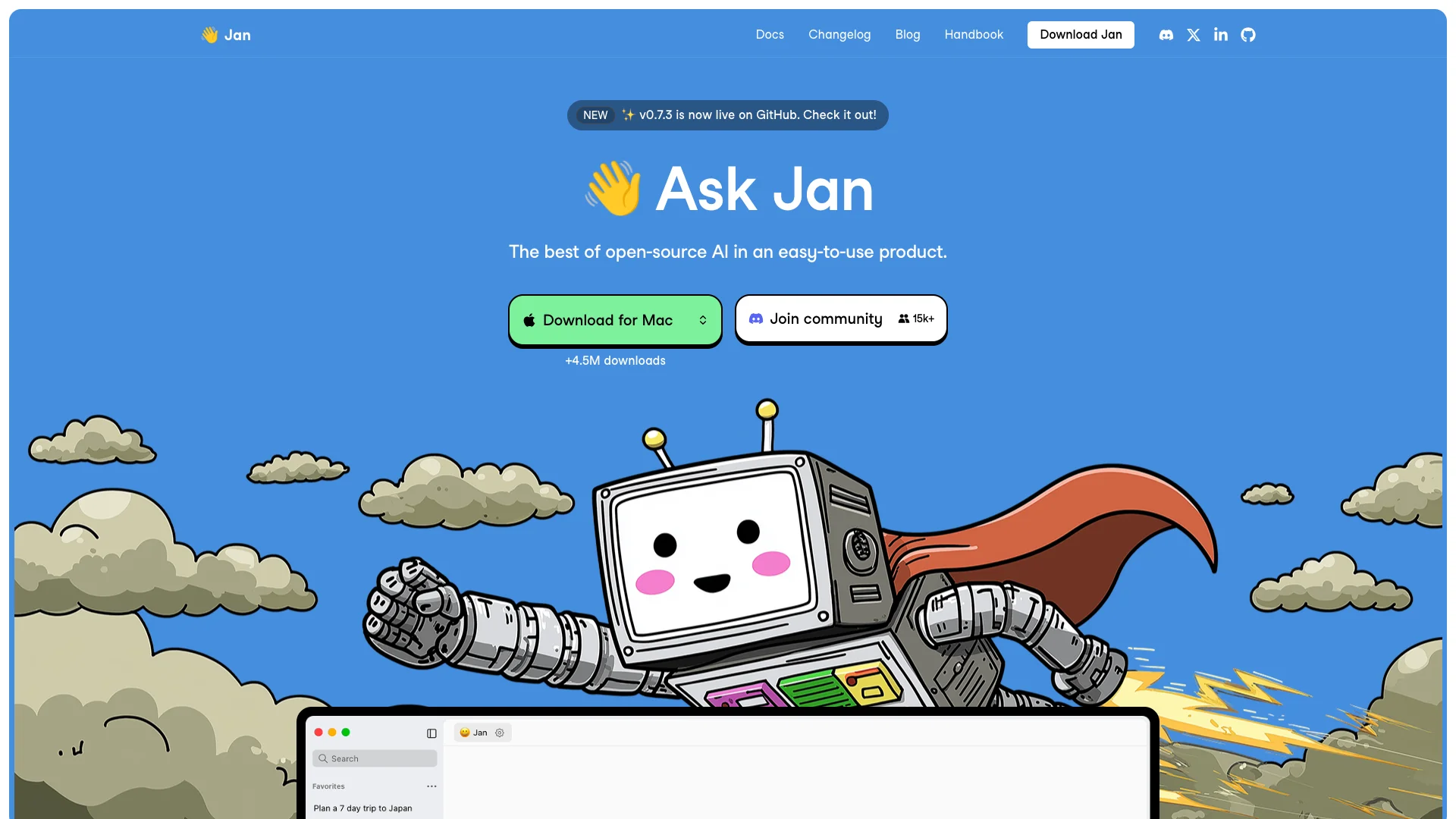
Jan is a free, open-source AI chat assistant that runs on your computer, keeping your conversations private. It lets you use powerful AI models directly offline, or you can optionally connect to cloud services. This gives you control over your data while offering a flexible way to interact with AI.

About Jan AI

Who It's For

Jan is for anyone who wants a private AI assistant on their own computer. It's ideal if you value data security and prefer not to use cloud-based AI. If you need powerful, free AI that runs offline, Jan is a great choice.

What You Get

You get a simple AI chat app for Windows, Mac, or Linux. It supports many open-source AI models, allowing you to add your own. You can also connect to popular cloud AI services. Jan ensures your chats are private and includes features like web search.

How It Works

To use Jan, download and install the app. Then, you can choose an AI model to run completely offline on your device. Alternatively, add API keys to connect to cloud AI services. Jan uses your computer's power for fast responses, keeping your data secure.
Stay in the loop

Weekly roundup of new AI agents. No spam, unsubscribe anytime.

Subscribe and get the free 2026 AI Agents Field Guide

Join 1,500+ AI builders ยท weekly, no spam

Features & Capabilities

โš™๏ธ AI Core & Flexibility

Local Model Execution

Enables running large language models directly on your local machine for enhanced performance and control.

Broad Model Compatibility

Supports a diverse range of open-source models and allows integration with various online AI providers.

Real-time Web Search

Provides the ability to conduct real-time web searches to enhance the AI's knowledge with current information.

๐Ÿ”’ Privacy & Openness

On-Device Data Privacy

Guarantees that all user data and AI interactions are processed locally, maintaining complete privacy and avoiding API costs.

Open Source Platform

Jan is developed as an open-source project, offering transparency, community engagement, and full control over the AI environment.

๐Ÿ”— Seamless Integrations & Experience

Application Connectors

Integrates with widely used productivity and creative tools like Gmail, Notion, Figma, and Jira for expanded functionality.

Intuitive User Interface

Features a clean, simple, and aesthetically pleasing native chat application designed for ease of use.

Use Cases

Ensuring Data Privacy with Local AI Chat

Many users and organizations hesitate to use AI for sensitive tasks due to privacy concerns and high cloud API costs. Jan provides a fully offline, open-source AI chat assistant that runs locally on your machine, ensuring complete data privacy and eliminating recurring API expenses.

General Business, IT Security, Research & DevelopmentFor: Privacy-conscious individuals, Researchers, Small Business Owners, IT Professionals

Streamlined Local LLM Experimentation and Development

Developers and AI enthusiasts often struggle with the complexity of setting up and experimenting with various open-source Large Language Models locally, or face significant costs using cloud-based APIs for testing. Jan offers an intuitive, user-friendly interface to easily download, run, and switch between a wide range of local open-source models, simplifying development and reducing experimentation overhead.

Software Development, AI/ML Research, EducationFor: AI Developers, Machine Learning Engineers, Researchers, AI Hobbyists

Personalized AI for Daily Workflow Augmentation

Knowledge workers need an intelligent assistant that can adapt to their unique preferences and integrate seamlessly into their daily tasks without generic responses or privacy trade-offs. Jan provides a customizable, locally-run AI chat experience that remembers user context and preferences, offering tailored assistance for various creative and analytical tasks.

Knowledge Work, Creative Industries, AcademiaFor: Designers, Researchers, Writers, Project Managers, Independent Professionals

Frequently asked questions

Jan AI is an open-source, privacy-focused AI chat assistant that runs 100% offline on desktop (Windows, Mac, Linux) and soon mobile devices. It offers an alternative to cloud-based AI models like ChatGPT by allowing you to use local or cloud AI models with full control, privacy, and no mandatory internet connection.

Jan AI's key features include running fully offline for local AI models, ensuring privacy; supporting both local open-source models (e.g., Llama3, Mistral, Qwen) and cloud-based AI providers (OpenAI, Anthropic, etc.); offering customizable assistant instructions and model parameters; featuring an extensible architecture with plugin and API support; providing Retrieval-Augmented Generation (RAG) for document analysis; and utilizing GPU acceleration for performance optimization.

Jan-v1 is a 4 billion parameter AI model integrated into Jan AI, which operates fully offline with 91.1% accuracy on question-answering tasks, surpassing many other models. It is lightweight and designed for quick, low-latency responses without needing the cloud.

Yes, Jan AI can run local models entirely offline, providing complete data privacy. However, certain advanced features like integration with external APIs or cloud models require internet access.

To get started with Jan AI, you need to download and install Jan from jan.ai, then download or add an AI model locally or connect to a cloud API key. After that, launch Jan, select your model, and start chatting. Detailed setup is available in the Quickstart guide on their documentation page.

Yes, you can optionally connect Jan to cloud AI providers by adding your API keys, enabling you to switch seamlessly between local and cloud models within the same interface.

The Jan desktop application and running local AI models are free and open-source. Cloud model usage depends on the external provider's pricing and API credits.

Since Jan runs local models on your device without uploading data to the cloud, all conversation data remains private on your machine. You have full control over which models run and how data is handled.

Jan includes tools to help select models compatible with your computer hardware. It supports GPU acceleration when available to improve performance automatically.

Support is available through GitHub issue tracking, Discord communities, and email contacts provided on the Jan website.

Tags

Specifications

Deployment
API
Self-hosted
Browser
Target Audience
Individual
Startup
Complexity
Expert

Integrations

Notion
Slack
Google Drive
Jira
Gmail
Amazon

Want your AI tool listed here?

Start with a free eligibility check.

Submit