Course
Give your AI a permanent memory of your business. A course for people who use ChatGPT or Claude daily.Compound Context
Browser Use logo

Browser Use

4.2

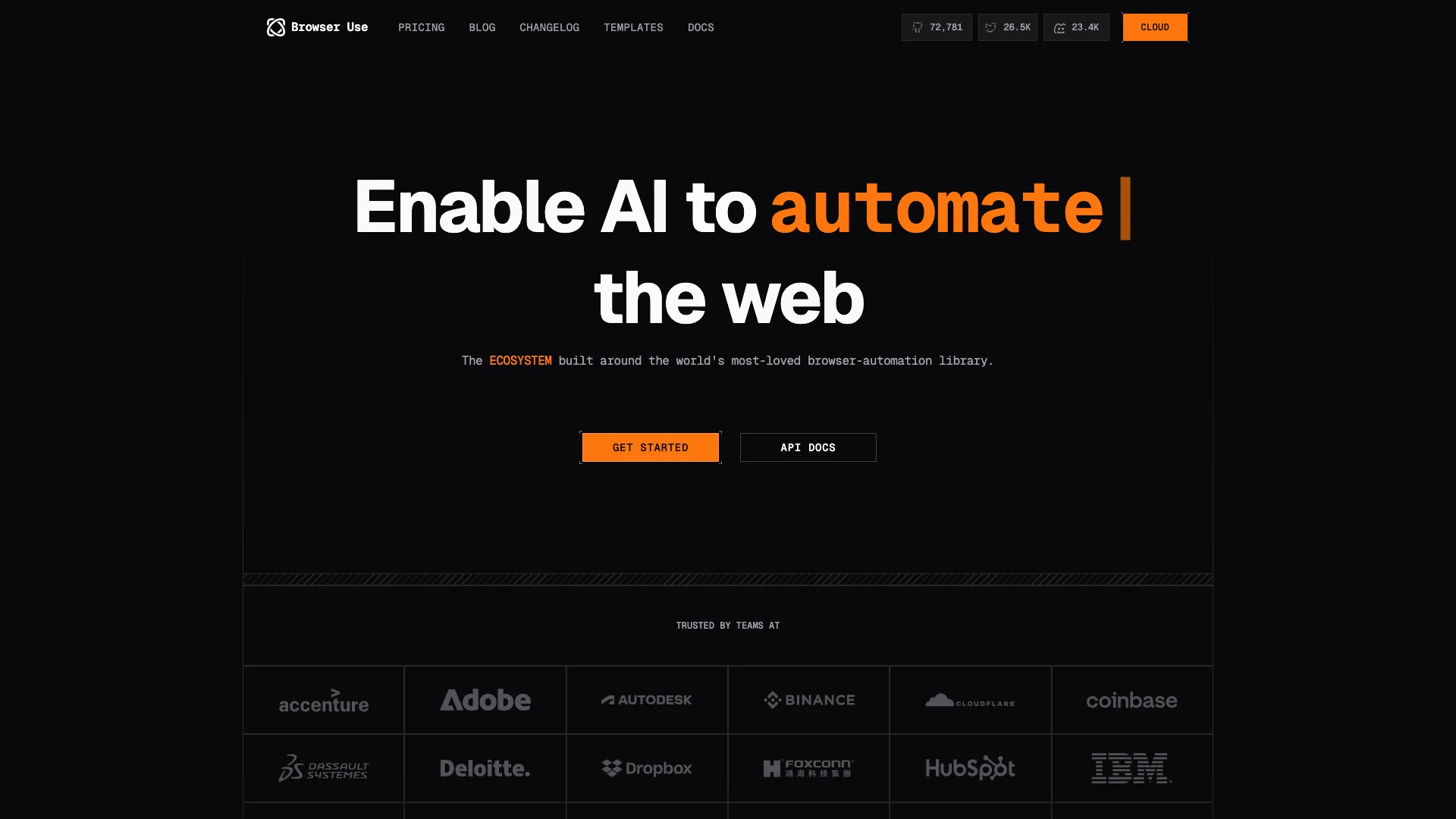
Browser Use is an AI tool that helps anyone automate boring online tasks without needing to code. You simply tell it what to do in plain language, and it handles things like filling out forms, extracting data from websites, and navigating complex pages for you, saving a lot of time and reducing errors.

About Browser Use

Who It's For

This tool is for anyone tired of repetitive online tasks. If you manually fill forms, copy data, or check websites often, Browser Use helps. No coding is required, making it easy for individuals and businesses to save time.

What You Get

You get an AI agent that automates various online duties. It extracts information from any website, even complex ones requiring login. It also fills out online forms accurately. This means you save hours, reduce errors, and improve efficiency significantly.

How It Works

You simply tell the tool your task in everyday language. Its AI brain understands your goal. Then, it controls a web browser, performing actions like clicking, typing, and scrolling pages. It can even use your existing browser logins, making automation simple and direct.
Stay in the loop

Weekly roundup of new AI agents. No spam, unsubscribe anytime.

Subscribe and get the free 2026 AI Agents Field Guide

Join 1,500+ AI builders · weekly, no spam

Features & Capabilities

🤖 AI-Powered Automation Core

No-Code Browser Automation

Empowers users to automate repetitive online tasks without writing any code, by simply describing the desired action.

AI-Powered Task Execution

Utilizes advanced AI to understand natural language instructions and execute complex browser actions autonomously.

Adaptive Browsing

The AI agent intelligently navigates and adapts to website changes to ensure reliable task completion.

📊 Advanced Data Extraction

Intelligent Web Scraping

Extracts data from any website, including those with dynamic content and complex structures, accurately.

Authentication Handling

Manages website logins and sessions, allowing data extraction from behind authenticated walls.

Structured Data Export

Collects and organizes extracted information into structured formats like CSV for easy analysis and integration.

🚀 Workflow & Task Automation

Automated Form Filling

Accurately fills out online forms using provided data, significantly reducing manual data entry and errors.

Task Scheduling & Webhooks

Supports scheduling automated tasks and integrates with other systems via webhooks for seamless workflows.

Concurrent Session Management

Allows multiple automation tasks to run simultaneously, enhancing efficiency and scalability.

🛠️ Operational Excellence

Stealth Browser Infrastructure

Operates with advanced stealth capabilities to mimic human browsing behavior and avoid detection.

Comprehensive Error Handling

Provides robust mechanisms to manage unexpected website behaviors or errors during automation tasks.

Performance Monitoring & Audit

Offers insights into task performance, efficiency gains, and maintains an audit trail for all operations.

Use Cases

Automating Web Data Extraction for Market Research

Businesses often need to collect vast amounts of data from various websites for market analysis, competitive intelligence, or content aggregation. Browser Use empowers users to easily extract structured data from complex, dynamic websites, including login-protected pages, eliminating manual data collection and providing actionable insights efficiently.

Market ResearchFor: Market Analysts

Accelerating Lead Generation and Prospecting

Sales and marketing teams spend considerable time manually searching for and compiling lead information from various online sources like social media profiles and industry sites. Browser Use automates the extraction and organization of prospect data, such as LinkedIn profiles or contact details, enabling teams to build richer CRM databases and focus on engagement rather than manual data entry.

B2B SalesFor: Sales Development Representatives

Automating Repetitive Online Form Submissions

Many business processes involve repeatedly filling out online forms, whether for applications, surveys, data entry, or administrative tasks, which is time-consuming and prone to human error. Browser Use simplifies this by enabling AI agents to accurately detect form fields and automatically complete them with predefined data, drastically reducing manual effort and improving data consistency across various web platforms.

Financial ServicesFor: Operations Managers

Real-time E-commerce Price and Product Monitoring

E-commerce businesses and consumers need up-to-date information on product prices, inventory, and competitor offerings to make informed decisions. Browser Use automates the continuous monitoring and extraction of this data from multiple e-commerce sites, allowing businesses to react quickly to market changes and maintain a competitive edge.

E-commerceFor: E-commerce Managers

Frequently asked questions

Tags

Specifications

Deployment
Browser
API
Self-hosted
Cloud
Target Audience
Startup
Business
Enterprise
Complexity
Developer

Integrations

Hacker News
Google Sheets
Twitter
GPT-4.1
StockCharts
Medium

Want your AI tool listed here?

Start with a free eligibility check.

Submit